- Over 73% of short-form videos on mobile are watched with sound muted or at low volume in public spaces.
- Dynamic word-by-word highlighting triggers an involuntary psychological reading loop that extends watch time.
- Keep subtitle lines short: 1 to 3 words per burst maximum to prevent cognitive overload.
- Color psychology matters: Bright fluorescent yellow (#FFE600) on white text delivers the highest contrast.
- Local ASS/SRT timestamp parsing eliminates manual word-by-word keyframing in video editors.
The Psychology of Word-by-Word Active Highlighting
Human vision is biologically wired to track motion and contrast changes. When a standard block of text appears on a video screen, the viewer's brain reads it in 0.5 seconds and immediately loses interest. In contrast, kinetic karaoke subtitles introduce a fresh visual stimulus with every syllable uttered.
As the speaker pronounces each word, that specific word scales up by 10% and transitions from clean white to electric yellow or crimson. This creates a psychological feedback loop: the viewer's eye is locked onto the bouncing highlight, making it almost impossible to swipe away mid-sentence.
High-Converting Typography: Font Choice, Weight & Contrast
Not all fonts perform equally on mobile screens. Small serifs or thin weights dissolve into compression artifacts when viewed on a 6-inch phone. Follow these golden typography rules:
- Use Ultra-Heavy Sans-Serifs: Fonts like Inter Bold, Montserrat ExtraBold, The Bold Font, and Bebas Neue provide massive glyph surface area for color fills.
- Drop Shadow vs Stroke: A pure black outline (stroke width 3px-5px) combined with a soft 30% drop shadow ensures legible captions whether your video background is a bright white whiteboard or a dark room.
- Uppercase Typography: All-caps text creates uniform height blocks, preventing vertical wobble as words animate across the screen.
Color Psychology in Captions: Highlighting That Converts
Color choice in subtitle animation directly impacts emotional arousal. Top-performing video editors utilize specific color schemes based on content genre:
| Highlight Color | Hex Code | Psychological Effect | Best For |
|---|---|---|---|
| Electric Gold | #FFE600 |
Maximum contrast, excitement, attention grip | Podcasts, Business Advice, Money/Finance |
| Hyper Red | #FF2A2A |
Urgency, importance, shocking revelations | True Crime, Drama, News, Fitness |
| Neon Cyan | #00E5FF |
Futuristic, calm authority, modern tech | Software Demos, AI Tools, Coding, Gaming |
| Emerald Green | #25D366 |
Growth, success, wealth affirmation | Investing, Motivational, Self-Improvement |
Working with Subtitle Files: ASS, SRT, and Local Sync
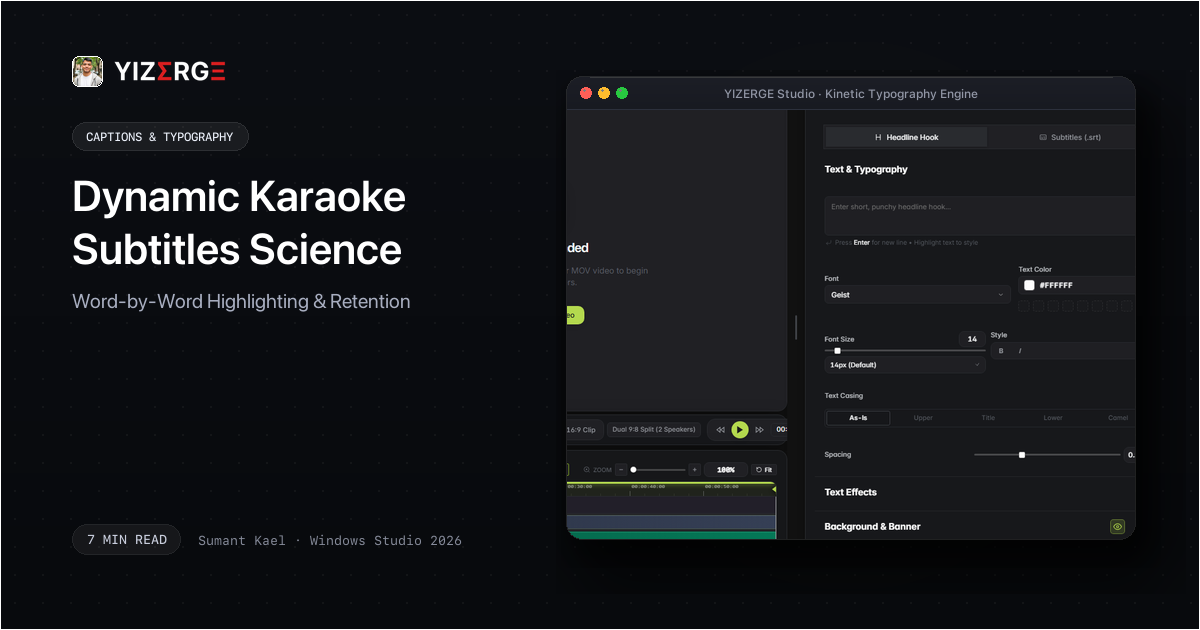
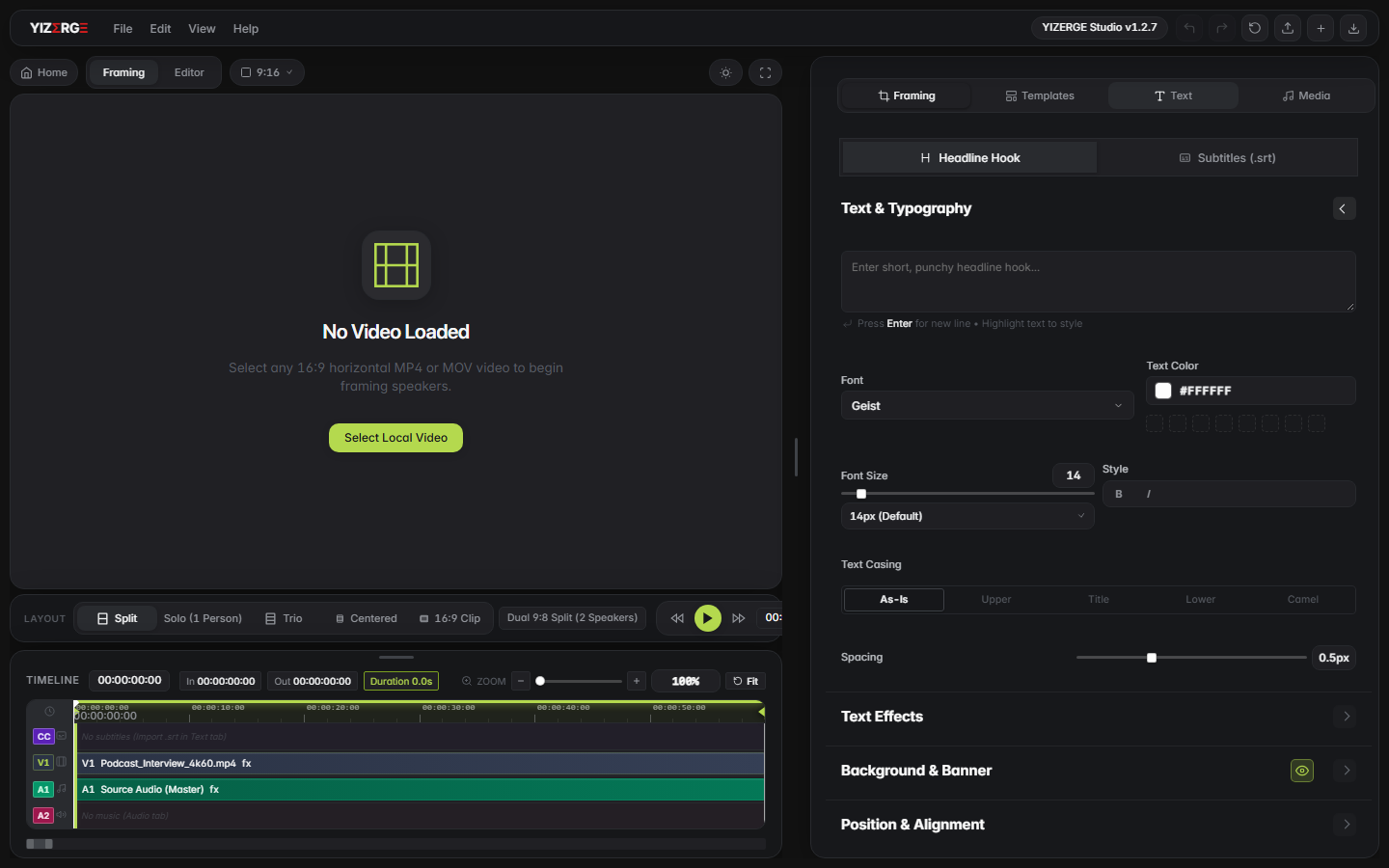
Traditional video editors like Premiere Pro require tedious manual keyframing or complex After Effects MOGRT templates to achieve karaoke word highlighting. In YIZERGE Video Editor, karaoke subtitles are powered by a native C++ subtitle layout engine that reads both standard .srt and advanced .ass (Advanced SubStation Alpha) formatting.
You can import your subtitle track, select your highlight color and font, and YIZERGE automatically computes the exact millisecond timestamps for each word glyph without manual keyframe placement.
Frequently Asked Questions
Yes. Inside YIZERGE, the Caption Inspector allows direct text editing, time-shifting, and word deletion directly on the timeline with instantaneous stage preview.
The retention sweet spot is between 1 and 3 words per burst. Displaying full paragraphs causes viewers to read ahead and swipe away before the speaker finishes their thought.
Become an Early Tester for YIZERGE
We are inviting video creators to test upcoming Windows builds. Experience zero-degradation local GPU rendering, dynamic karaoke subtitles, and sub-frame precision.