- Native Apple 3D Emoji Engine: Built-in iOS 3D emoji popover picker integrated inside the Headline Hook sidebar panel with categorization, fast search, stage rendering, and full 1:1 hardware export parity.
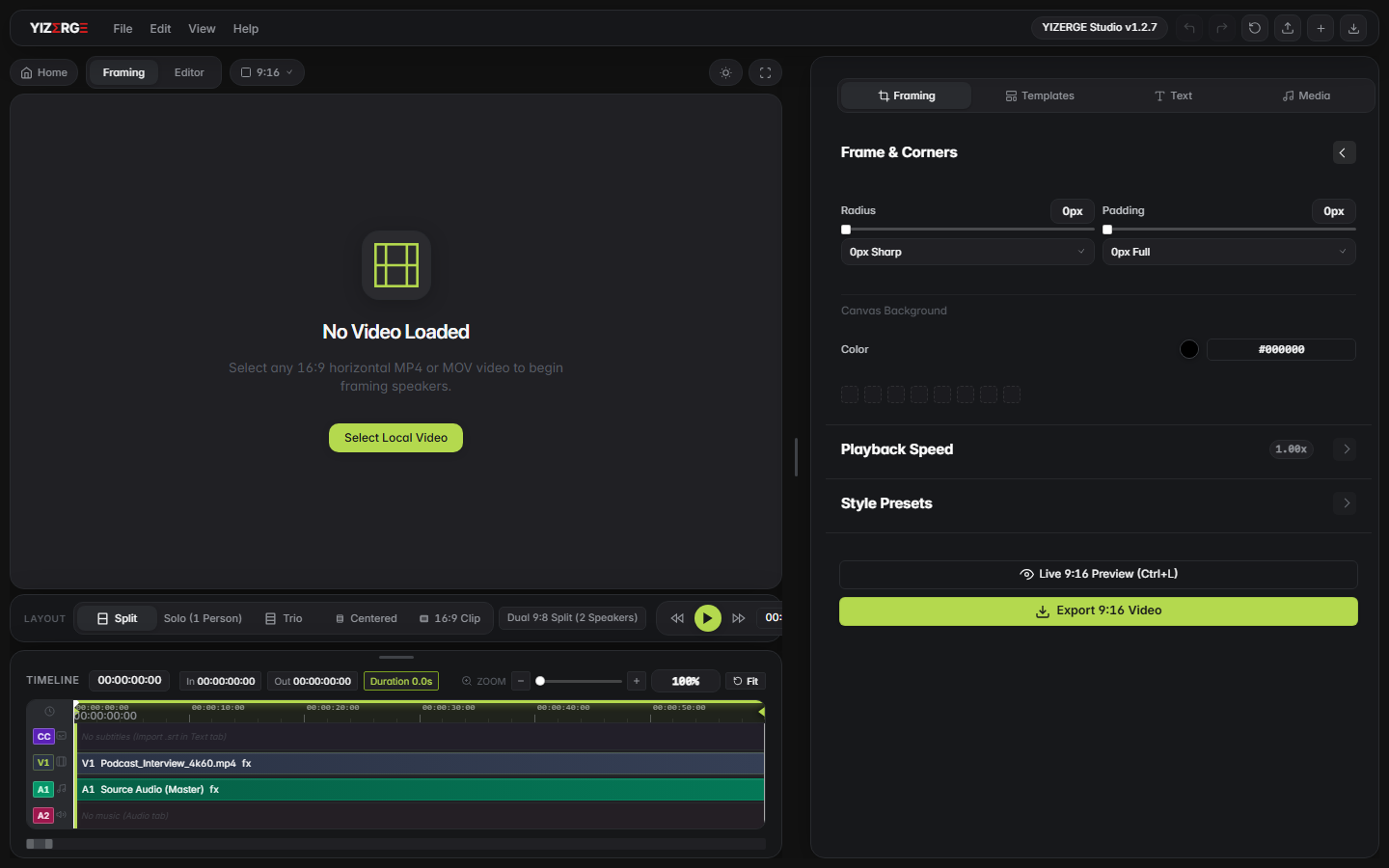
- Video Frame Styling & Canvas Overhaul: Modular framing controller in
frame_styling.jswith corner radius smoothing, padding isolation, and layout boundary guards. - Smart Subtitle Luminance Auto-Contrast Engine: Dynamic luminance evaluation that automatically balances subtitle contrast against bright canvas margins, templates, or colored backdrops.
- Direct NVENC Hardware Acceleration: Optimized pipeline combining CPU filtergraph decode with direct GPU NVENC buffer uploads (VBR rate control,
-cq:v 23,-surfaces 8) to eliminate driver allocation stalls. - Instant Export Location Access: Direct 'Open Export Location' commands in File and View menus for immediate Windows Explorer navigation.
- Headline Loop & Outro Precision: Cleaned up static card loop parameters and exact duration trimming to prevent frozen trailing frames.
1. Native Apple 3D Emoji Engine for Headlines
Short-form vertical video hooks depend heavily on expressive visual anchors. While standard system emojis often render inconsistently across Windows devices, creators frequently want the crisp, high-gloss visual character of Apple 3D emojis.
In v1.2.9, we engineered a native in-app Apple Emoji picker embedded directly inside the Headline Hook inspector. With a single click on the iOS Emojis trigger button, creators can browse categorized emoji sets (Smiles, Gestures, Symbols, Objects) or search via instant real-time queries.
More importantly, we bridged these assets directly into both the real-time stage canvas and the FFmpeg export pipeline. When you export a video with Apple emojis in your headline, the export compositor scales and overlays high-resolution 3D raster assets with pixel-perfect alignment and zero sub-pixel blurring.
2. Video Frame Styling & Canvas Layout Overhaul
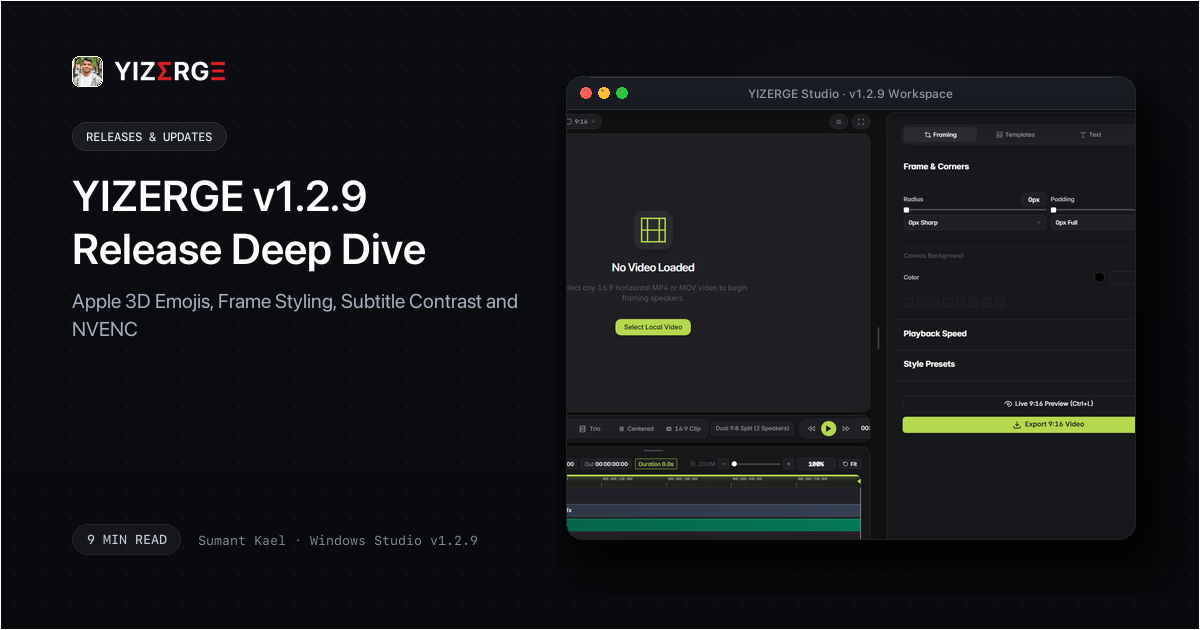
Framing vertical content requires precise control over corner radii, border widths, background canvas colors, and padding margins. Prior versions handled framing adjustments through fragmented DOM handlers across layout modes.
With v1.2.9, all layout styling logic is unified under a dedicated, modular controller (src/crops/frame_styling.js). This module enforces strict hex color sanitization, bounds checking for corner rounding (0px to 80px), and seamless synchronization between the visual inspector controls and the underlying video state.
Whether you are using a centered blurred layout, an outer canvas color fill, or a custom device mockup frame, padding and border offsets remain cleanly isolated without leaking visual artifacts during timeline scrubbing.
3. Smart Subtitle Luminance Auto-Contrast Engine
One common issue in video repurposing is subtitle legibility when transitioning across varying backdrops. When creators selected white captions over light canvas backgrounds or pastel social templates, subtitles could lose contrast and become difficult to read.
v1.2.9 introduces intelligent background luminance evaluation in backend/export_pipeline.py:
def _is_color_light(hex_str):
    h = hex_str.lstrip('#').strip()
    r, g, b = int(h[0:2], 16), int(h[2:4], 16), int(h[4:6], 16)
    # ITU-R BT.601 relative luminance formula
    return (0.299 * r + 0.587 * g + 0.114 * b) > 160
When the effective background under the subtitle zone is detected as bright or light-toned, the export compositor automatically balances outline stroke density and background pill opacities, guaranteeing high contrast and readability on every frame.
4. Direct NVENC Hardware Acceleration Optimization
Hardware-accelerated export is one of YIZERGE's core pillars. However, combining complex multi-input filtergraphs (custom text cards, logo overlays, outro concatenations, and subtitle shaders) with direct GPU memory allocation could occasionally encounter CUDA buffer allocation stalls on certain NVIDIA drivers.
In v1.2.9, we refined the encoder sequence to prioritize a direct NVENC pipeline: decoding and complex raster filtering execute smoothly on the CPU filtergraph, followed by an immediate zero-copy upload into NVENC hardware encoding buffers:
- VBR Rate Control: Switched to variable bitrate mode (
-rc:v vbr) with constant quality targeting (-cq:v 23) for optimal file size without fidelity loss. - Surface Constraints: Constrained concurrent surface allocations (
-surfaces 8) to prevent VRAM thrashing on laptop GPUs. - Fallback Ladder: Automatic graceful fallback to standard CUDA, Auto, and CPU (
libx264) if driver incompatibilities occur.
5. Workflow Enhancements & Studio Hardening
In addition to rendering and engine upgrades, v1.2.9 brings several practical workflow additions:
- Open Export Location: Quick actions in the File and View application menus let you immediately open the target export folder in Windows Explorer after a render finishes.
- Outro Duration Precision: Outro video cross-fades now enforce strict microsecond duration trimming, completely eliminating frozen single-frame tails at the end of clips.
- Headline Loop Syntax: Cleaned up static card loop parameters to guarantee seamless continuous rendering across long clips.
Frequently Asked Questions
Open the Text tab in the left sidebar, locate the Headline Hook panel, and click the iOS Emojis pill button. Click any emoji to insert it at your cursor position.
No. YIZERGE maintains 100% backward compatibility with all previously saved .yizerge project files and custom preset configurations.
YIZERGE detects the new release automatically on startup. You can also re-download the latest setup installer directly from your beta dashboard.
Become an Early Tester for YIZERGE
We are inviting video creators to test upcoming Windows builds. Experience zero-degradation local GPU rendering, dynamic karaoke subtitles, and sub-frame precision.