YIZERGE Video Editor: Turn horizontal videos into viral shorts.
 TikTok (9:16)
 YouTube Shorts
 Instagram Reels
 Snapchat Spotlight
Film once in widescreen. Auto-frame speakers, generate animated karaoke subtitles, and export in 4K, 100% offline on Windows.
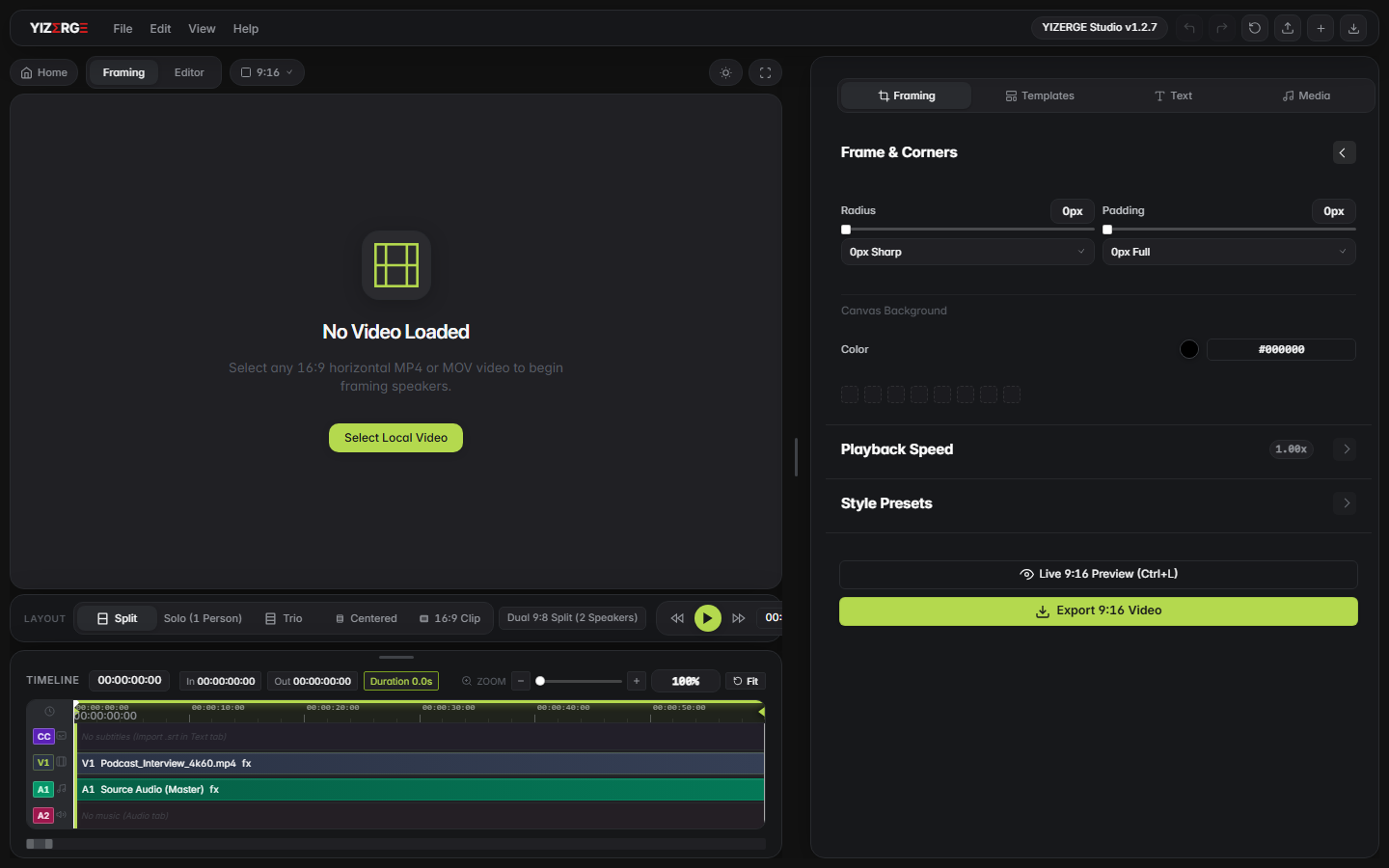

Film once. Go vertical without re-editing.
Stop manually moving keyframes across a complex timeline. Simply drag your widescreen video into YIZERGE, position your framing box over the speaker, and let the smart engine hold the shot steady.
- Instant 9:16, 1:1, and 4:5 crops: Switch ratios with a single click while maintaining maximum visual quality.
- Multi-Speaker Split Screen: Automatically stack the host on top and guest on bottom for dual-speaker interviews.
- Background Canvas Modes: Add stylish blurred backgrounds, ambient solid colors, or branded wallpapers behind your footage.
Captions people actually watch. Zero typing required.
Over 80% of mobile users watch vertical videos on mute. YIZERGE generates word-by-word karaoke animations that hook viewers in the first 2 seconds and keep them reading till the very end.
- MrBeast & Hormozi Presets: Animated word pop-ins, glowing neon highlights, drop shadows, and color stamps.
- SRT & Transcript Drag & Drop: Instant subtitle alignment with sub-millisecond precision audio timing.
- Searchable Transcript Editor: Real-time caption text filtering with 1-click query clearing, auto HTML tag cleanup, and rock-solid playback sync.
- Safe Zone Protection: Captions are automatically kept away from TikTok usernames, like buttons, and comment overlays.
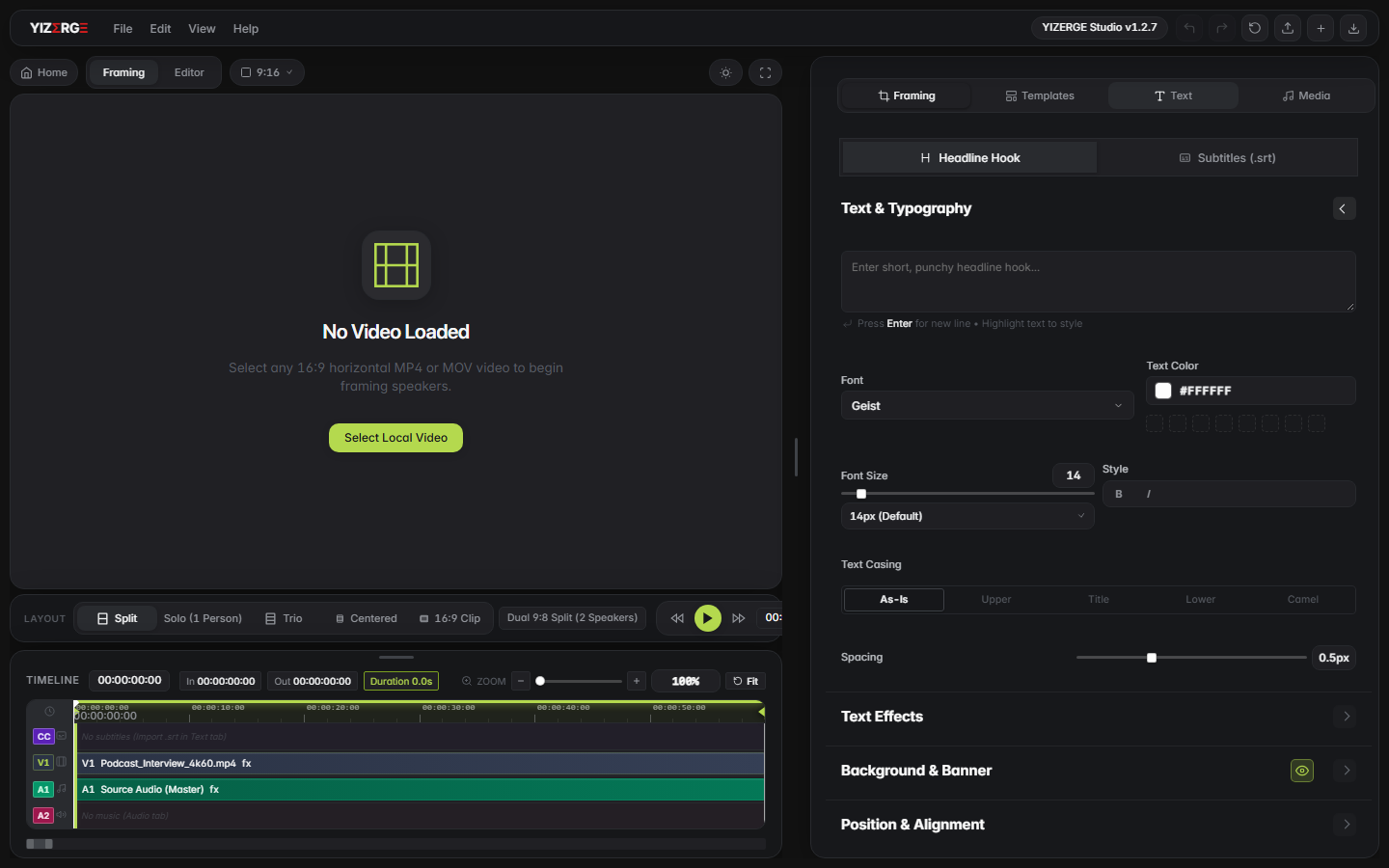
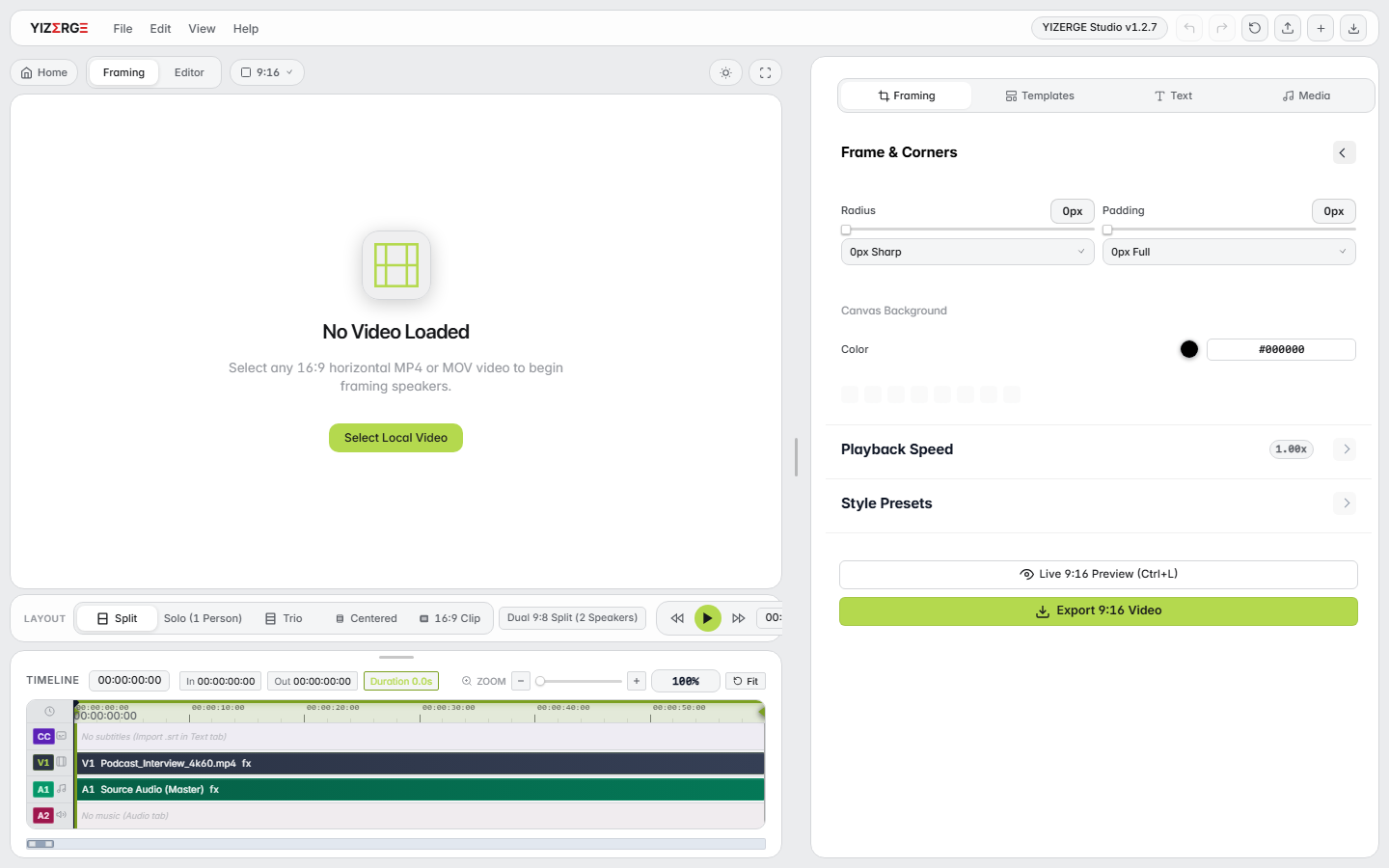
Light mode. Dark mode. Designed for your eyes.
Whether you edit in a sunlit studio or during late-night creative sessions, YIZERGE provides a pristine, high-contrast interface crafted for pure clarity.
Engineered natively for Windows.
Built exclusively for Windows 10 & 11 (64-bit) with local DirectX and NVIDIA NVENC hardware acceleration. Zero cloud dependencies, zero latency.
Windows 10 & 11
64-bit Edition · DirectX 12 · Vulkan · NVENC / AMF-
Hardware Encoding Pipeline Sub-second GPU export acceleration via NVIDIA NVENC, AMD AMF, and Intel QuickSync.
-
DirectX Smooth Scrubbing Butter-smooth 60fps timeline playback with instantaneous audio waveform preview.
-
AI Smart Framing & Whisper Automatic speaker tracking with dynamic word-by-word karaoke captions on GPU.
-
Installer & Portable (.exe / .zip) Standard installer or zero-install standalone directory. No runtime libraries or admin rights needed.
Everything a vertical creator needs. Zero bloat.
Every feature is built for speed. No 40-button toolbars or steep learning curves.
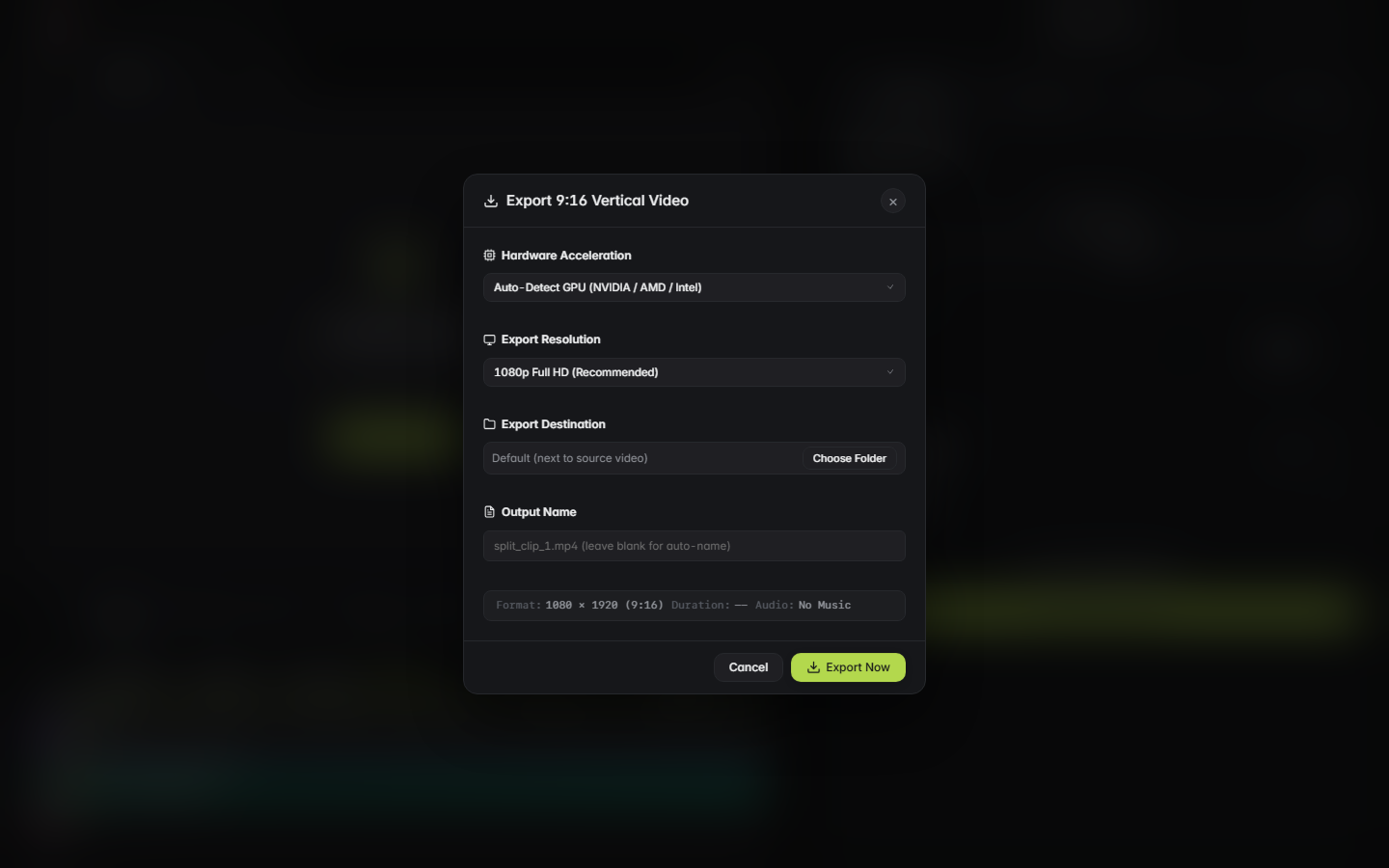
Lossless Hardware-Accelerated Export
Export 60-second vertical videos in under 4 seconds. Native integration with NVIDIA NVENC, AMD AMF, and Intel QuickSync ensures your PC fans stay quiet.
Sub-Frame Cut Trimmer
Lossless In and Out marker trimming. Scrub smoothly through 2-hour long files without buffering or stuttering.
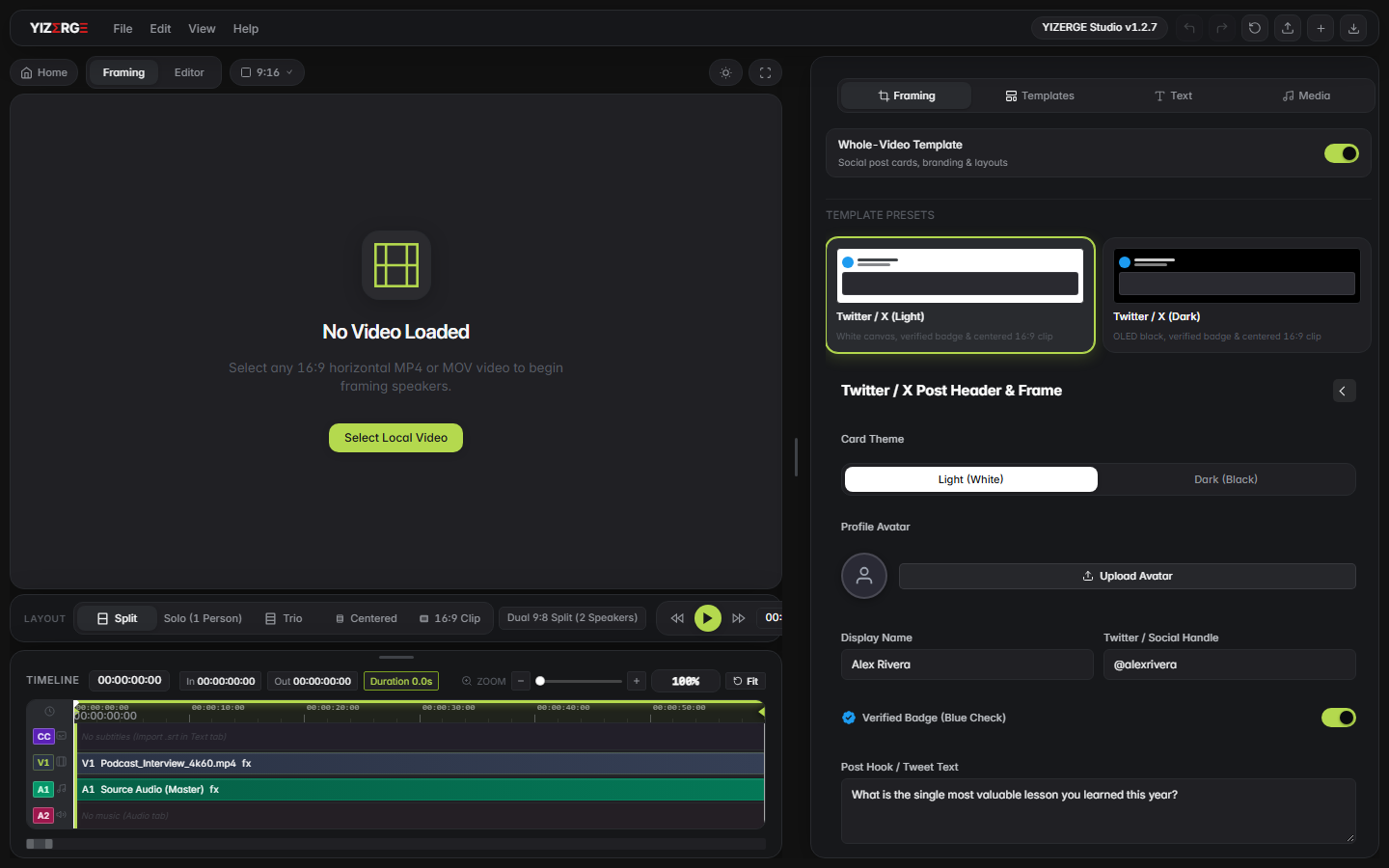
Social Cards & Watermarks
Overlay verified Twitter/X cards, hook quotes, and transparent brand logos directly on top of your video.
“The easiest way to reformat horizontal videos.”
Animated Outro Cards
Drive subscribers with built-in animated outro ribbons, follow badges, and audio sound stingers.
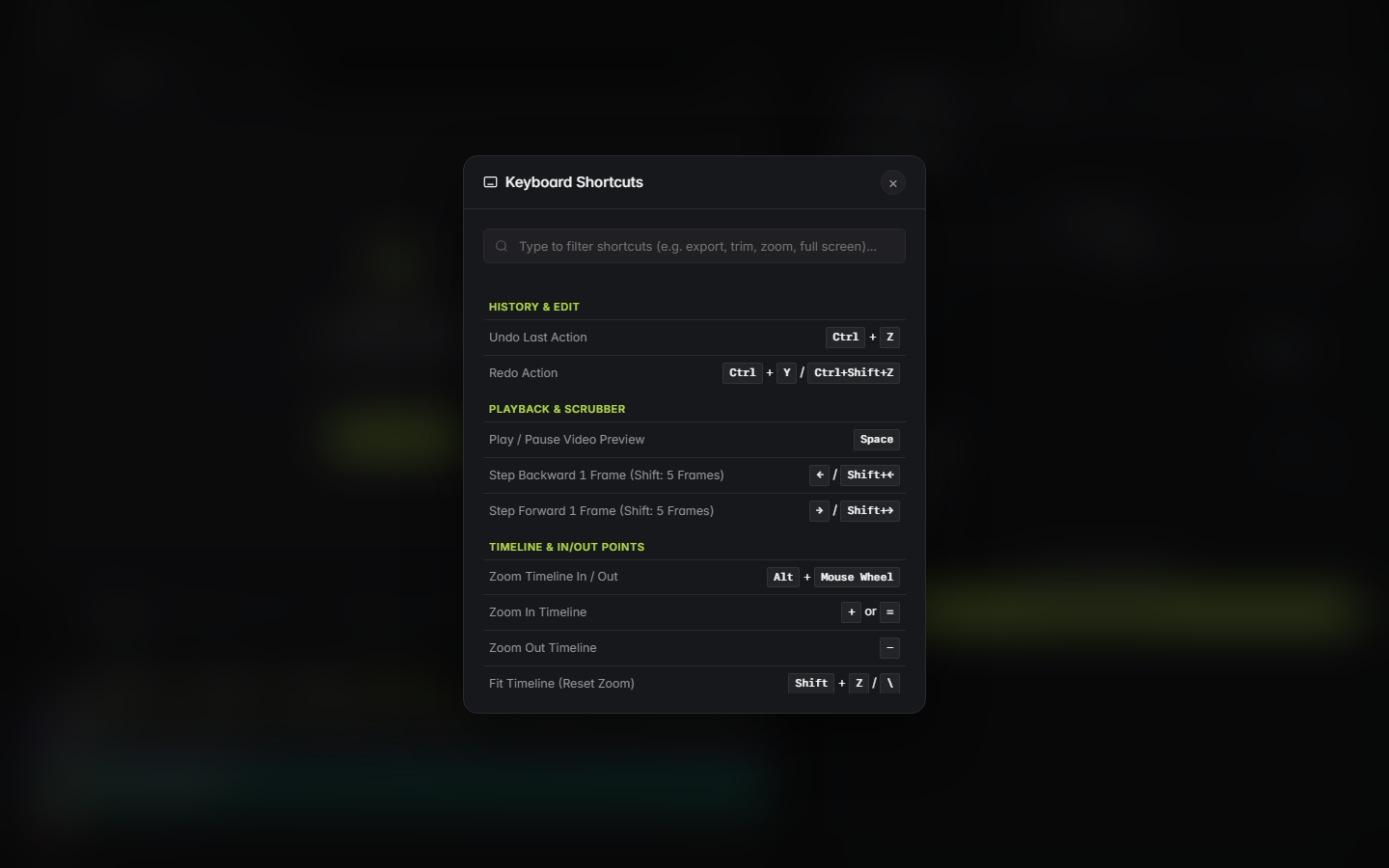
Keyboard Shortcuts Pro
Everything you touch has a lightning-fast shortcut. Set In/Out with I/O, toggle inspector with Ctrl+B, and quick export with Ctrl+E.
Why creators switch to YIZERGE from Opus Clip, CapCut & Descript.
Stop waiting in cloud rendering queues, uploading gigabytes of private footage, or wrestling with slow web tools. Compare YIZERGE directly with industry alternatives.
Cloud Queue vs. Local GPU Calculator
Calculate how much time you save by rendering offline with dedicated NVIDIA and AMD hardware acceleration instead of waiting in cloud video rendering queues.
Cloud Editor (Opus / CapCut Web)
- 4K Upload Time: 5m 20s
- Server Queue Wait: 4m 20s
- Server Transcode: 2m 00s
- Cellular Data Burned: 2.9 GB
YIZERGE Studio (Windows GPU)
- Video Upload: 0 sec (Local Disk)
- Queue Wait: 0 sec (Zero Queue)
- Local GPU Export: 60 FPS Hardware
- Privacy & Data: 100% Private (0 MB Used)
| Feature & Benchmark | YIZERGE Studio | Opus Clip & Klap | CapCut Desktop | Descript & Submagic |
|---|---|---|---|---|
| Processing Engine | Direct Local GPU (DirectX 12 / NVENC / AMF) | Remote Cloud Server Queues | Desktop App + Cloud Telemetry | Heavy Electron & Cloud SaaS |
| Export Speed (60s Short) | 3-5 seconds (Local GPU NVENC/AMF) | 5-15 min queue waiting | 30-90 seconds | 3-10 min queue waiting |
| Internet & Privacy | 100% Offline (Zero cloud uploads) | Uploads gigabytes to cloud | Cloud telemetry & sync | Cloud upload required |
| Footage Ingestion | Instant Local NVMe Read (0 MB Upload) | Gigabytes Uploaded to Cloud | Local Import + Cloud Sync | Cloud Upload & Sync |
| Dynamic Karaoke Subtitles | Built-in (Word-by-word active pop) | Basic automated text | Locked behind Pro paywall | Expensive monthly add-on |
| Watermark Policy | Zero Watermark (100% Clean) | Forced watermark on free | Watermark on Pro assets | Forced watermark on free |
| 16:9 to 9:16 Repurposing | 1-Click Auto-Framing & 13 Social Frames | Rigid automated templates | Manual crop & keyframing | Basic crop box |
| Max Export Quality | Native 4K Ultra HD at 60 FPS | 1080p at 30 FPS | 4K (Pro subscription) | 1080p at 30 FPS |
| Current Phase | Windows Private Beta (Testing Phase) | Commercial SaaS ($19 to $39/mo) | Freemium ($12.99/mo Pro paywall) | Commercial SaaS ($20 to $50/mo) |
Engineered by Sumant Kael. Built for video editors who need speed.
YIZERGE Video Editor was conceived, engineered, and developed by Sumant Kael, founder of Leavor Studio and host of Late Night with Sumant Kael.
As a video editor producing hundreds of short-form clips from long-form podcasts and show broadcasts, Sumant experienced firsthand the frustration of sluggish desktop timeline editors and pricey cloud-based subscriptions that limit export quality and upload speeds.
YIZERGE was created to solve one problem flawlessly: turn 16:9 widescreen videos into viral 9:16 vertical shorts instantly on Windows. Powered by local GPU acceleration, intelligent auto-framing, and dynamic karaoke subtitles, it runs 100% offline with zero cloud latency.

Questions. Answered simply.
Everything you need to know before installing YIZERGE. Clean answers, zero marketing fluff.