- Uploading 4K ProRes or H.264 files over residential internet is the single largest bottleneck in modern video creation.
- Client confidentiality agreements (NDAs) are compromised when unreleased interview footage is uploaded to third-party web servers.
- Local desktop editors utilize direct GPU PCIe bus DMA memory transfer with zero bandwidth throttling.
- Offline desktop apps function seamlessly on flights, remote filming locations, and during internet outages.
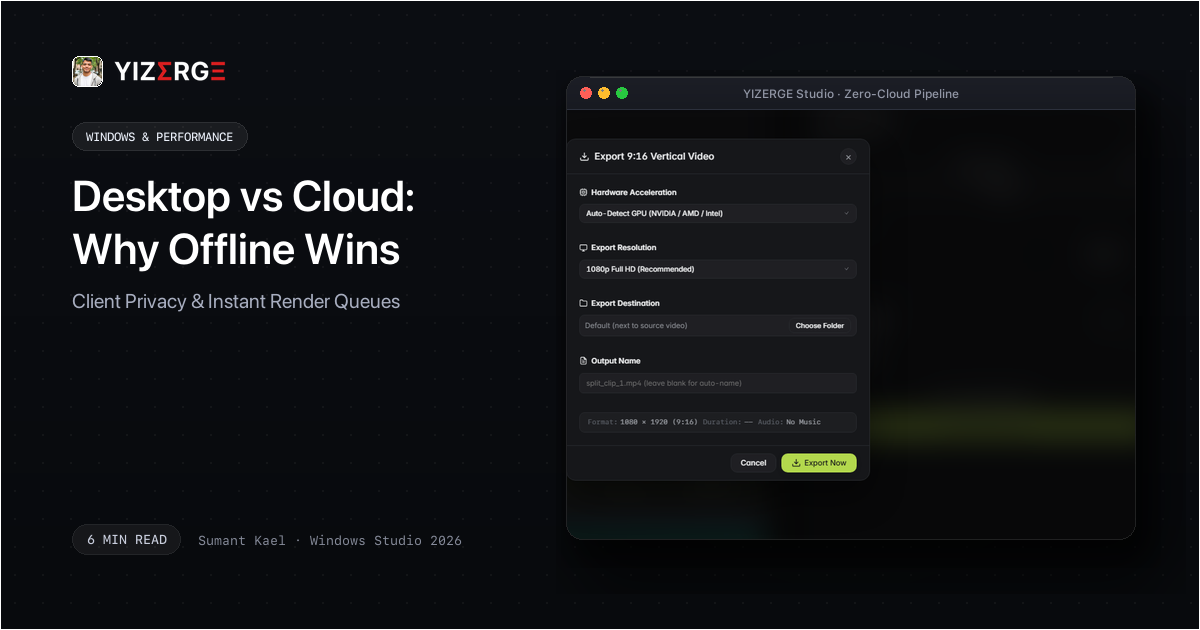
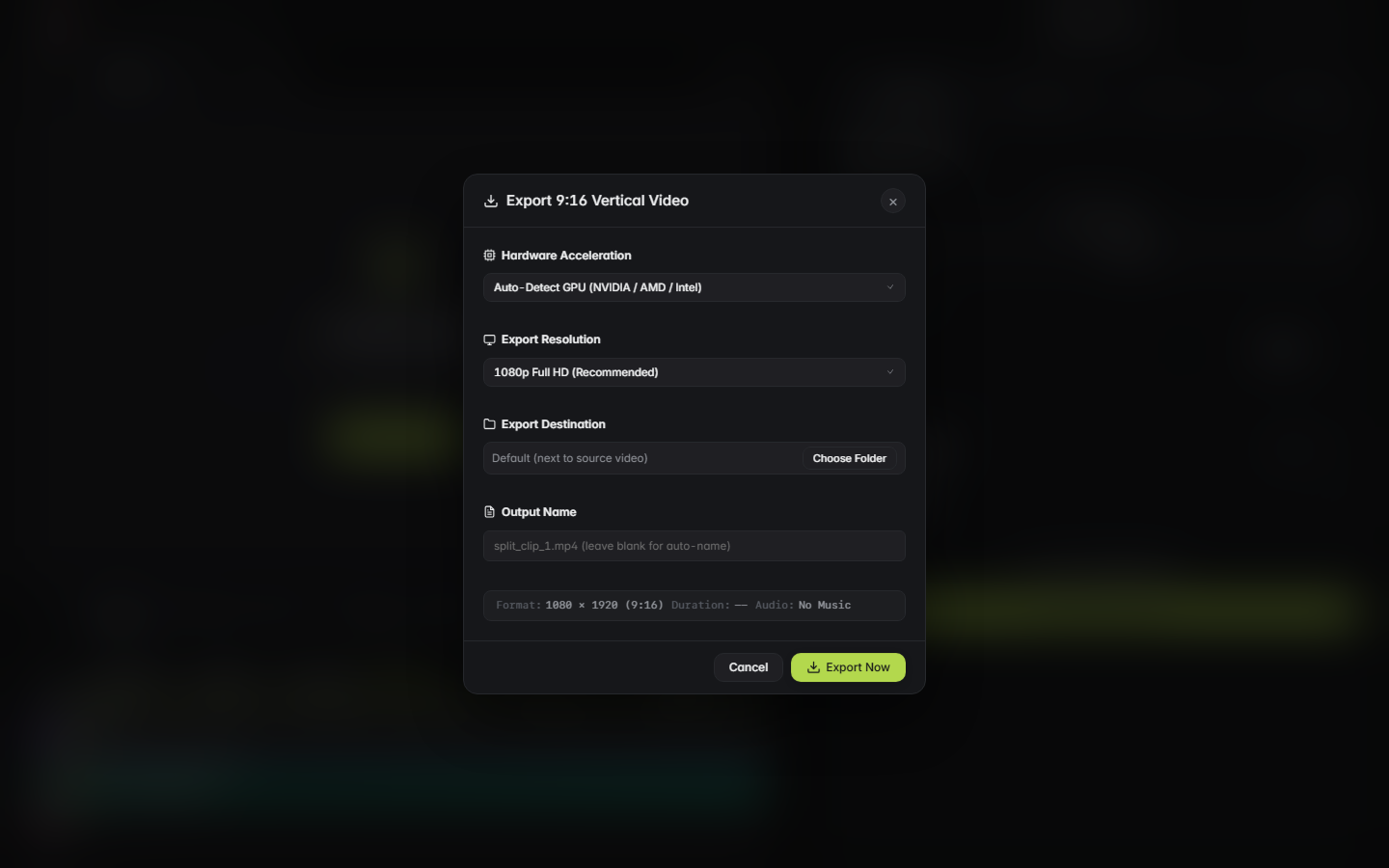
- YIZERGE executes all video demuxing, subtitle burning, and H.264 encoding 100% locally on your machine.
The Hidden Physics of Cloud Video Rendering
When you edit in a web browser, the browser cannot directly access your graphics card's dedicated silicon. Instead, your media files must be uploaded over the internet to a remote cloud cluster (such as AWS or Google Cloud), placed in a shared rendering queue, processed by shared virtual CPU cores, and downloaded back to your hard drive.
For a standard 10-minute 4K clip recorded on an iPhone 16 Pro (approximately 3.8 GB), uploading over a typical 30 Mbps home connection takes over 18 minutes just for file transfer. In contrast, reading that same clip from a local NVMe SSD takes less than 1.1 seconds.
Confidentiality & NDA Protection: Where Does Your Footage Go?
For professional video editors working with high-profile podcast hosts, enterprise clients, or unreleased product announcements, data security is non-negotiable. When you upload unedited video to cloud editing platforms:
- Your raw footage is stored on third-party servers subject to subpoena or commercial data-mining.
- Many cloud AI tools explicitly state in their Terms of Service that user uploads may be utilized to train proprietary AI models.
- Data breaches and credential leaks can expose confidential footage prior to official release.
Frequently Asked Questions
Yes. Once downloaded, YIZERGE requires no internet connection, no user accounts, and no license server ping. You can edit in an airplane at 35,000 feet with zero disruption.
Become an Early Tester for YIZERGE
We are inviting video creators to test upcoming Windows builds. Experience zero-degradation local GPU rendering, dynamic karaoke subtitles, and sub-frame precision.