- Overpowered background music is the #1 audio complaint across mobile video comments.
- Automatic sidechain ducking attenuates background music by 12dB to 16dB whenever voice frequencies are detected.
- Master short-form audio at -14 LUFS to prevent platform limiters from squashing your dynamic range.
- Apply an 80Hz high-pass filter to eliminate desk vibrations and room HVAC rumble.
- Use subtle stereo whooshes and risers at transition points to re-engage wandering attention.
The Mechanics of Automatic Audio Ducking
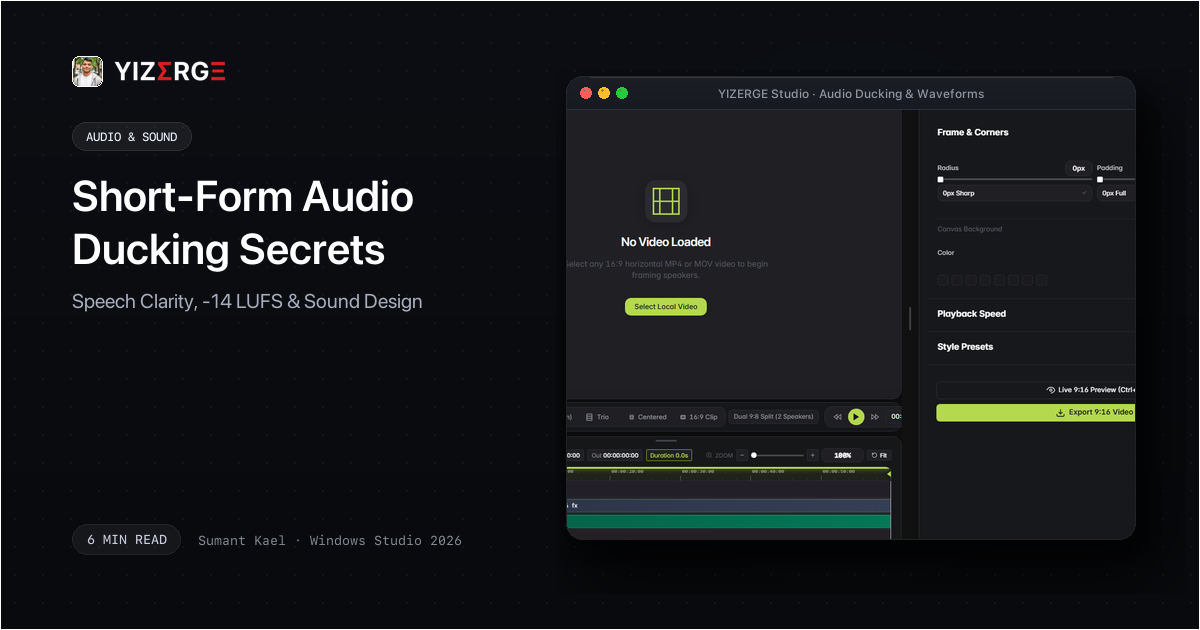
Audio ducking is an audio mixing process where the level of one audio signal (background soundtrack) is automatically reduced by the presence of another audio signal (the speaker's voice). Without ducking, you are forced to choose between music that is too loud during speech, or too faint during pauses.
In YIZERGE Video Editor, audio ducking is computed in real time. Whenever your voice track crosses the threshold (-24 dBFS), the background music dips by a smooth 14 dB with an instantaneous 10ms attack and a 200ms release curve.
Frequently Asked Questions
Both platforms target approximately -14 LUFS (Loudness Units relative to Full Scale). If your export is mastered at -8 LUFS, the platform will heavily attenuate your audio, leaving it flat and distorted.
Become an Early Tester for YIZERGE
We are inviting video creators to test upcoming Windows builds. Experience zero-degradation local GPU rendering, dynamic karaoke subtitles, and sub-frame precision.