- Overly sensitive AI face-tracking creates rapid micro-jitter that causes mobile viewers to swipe away.
- The deadband principle allows speakers to shift naturally without the camera reframing on every minor head movement.
- Two-host split screens eliminate the need for back-and-forth camera panning during fast banter.
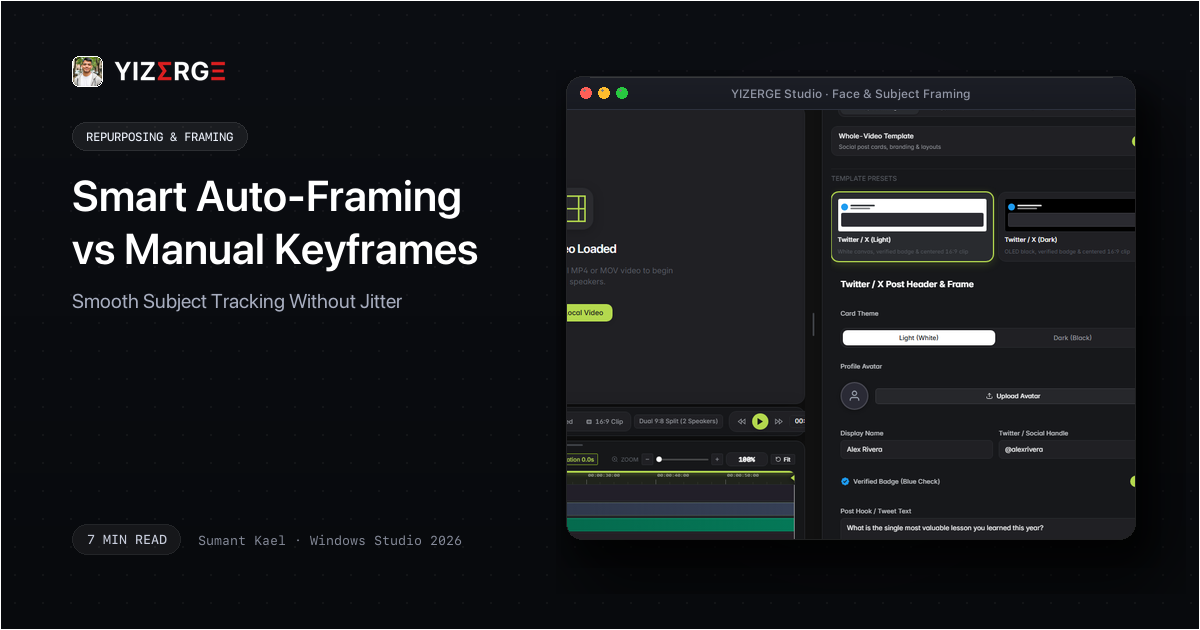
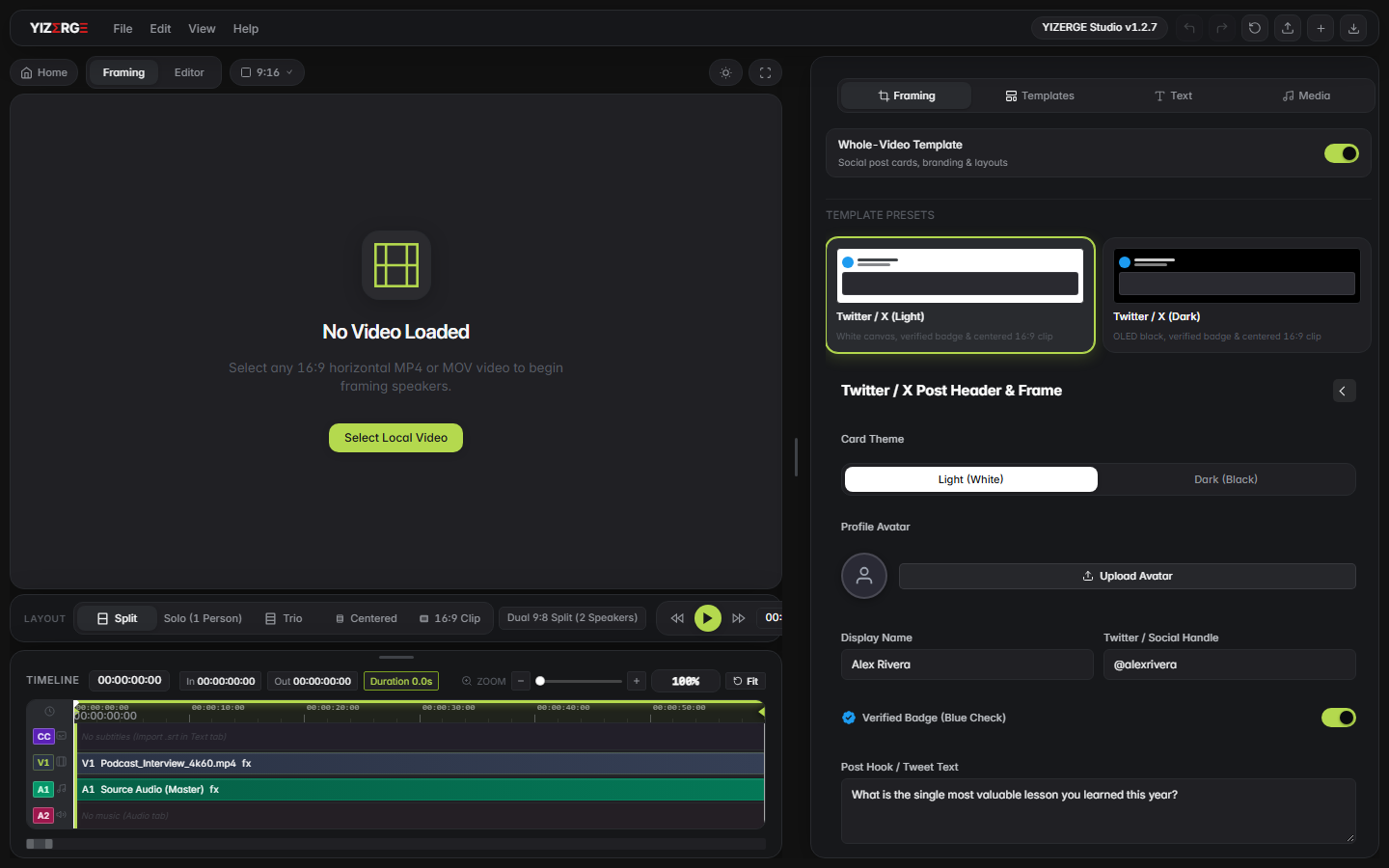
- YIZERGE provides one-click framing presets engineered for podcast hosts, solo creators, and gameplay streamers.
- Manual keyframing remains vital for deliberate dramatic pans and timing reveals.
Why Aggressive AI Motion Tracking Destroys Watch Time
Many automated repurposing websites advertise 'AI Face Tracking'. In practice, these basic scripts measure the center of the speaker's nose and re-center the canvas every single frame. As human speakers breathe, nod, or laugh, the camera shakes erratically, creating a sickening wobble effect.
Cinematographers have known for decades that natural camera movement requires inertia and dampening. A human camera operator does not jerk the tripod when a speaker tilts their head 2 inches.
The Bounding Deadband Principle: When Not to Move
The solution is an algorithmic deadband zone. In YIZERGE, the central 25% of the frame is designated as a neutral bounding box. As long as the subject's face remains inside this zone, the camera framing remains rock-solid.
Only when the subject shifts beyond the boundary threshold does the viewport glide smoothly using an exponential ease-out curve, preserving cinematic elegance.
Frequently Asked Questions
Simply select the 'Two-Host Split' preset in the Framing tab. YIZERGE creates two independent viewport crops: Speaker A on top, Speaker B on bottom, with a crisp dividing line and synchronized subtitle positioning.
Become an Early Tester for YIZERGE
We are inviting video creators to test upcoming Windows builds. Experience zero-degradation local GPU rendering, dynamic karaoke subtitles, and sub-frame precision.