Key Takeaways & Executive Summary
- In mobile video, any gap of silence longer than 200ms feels like an eternity to the viewer.
- Sub-frame cut boundaries prevent transient audio pops and clicks at edit points.
- Mastering keyboard ripple editing trims 80% of project time compared to mouse clicking.
- Remove breath gasps and pauses while leaving micro-intervals for natural conversational cadence.
- YIZERGE offers zero-latency timeline scrubbing with instant single-key split and ripple controls.
Dead Air Elimination Comparison
Standard Loose Edit
[Word] ... 400ms pause ... [Word]
Result: Viewer swipes away.
Result: Viewer swipes away.
➔
YIZERGE Micro-Trim
[Word] · 40ms zero-crossing · [Word]
Result: 100% hypnotic flow.
Result: 100% hypnotic flow.
Essential Keyboard Shortcuts for Lightning Trimming
Professional editors never drag trimming handles with a mouse. In YIZERGE Video Editor, your left hand controls trimming while your right hand maneuvers playback:
| Key | Action | Description |
|---|---|---|
| S | Split Clip | Splits the active video & audio track at current playhead position. |
| Q | Ripple Trim Left | Trims from previous edit point to playhead and closes the gap instantly. |
| W | Ripple Trim Right | Trims from playhead to next edit point and closes gap instantly. |
| Space | Play / Pause | Instantaneous 60fps timeline preview toggle. |
| Left / Right | Frame Step | Moves playhead forward or backward by exactly 1 frame. |
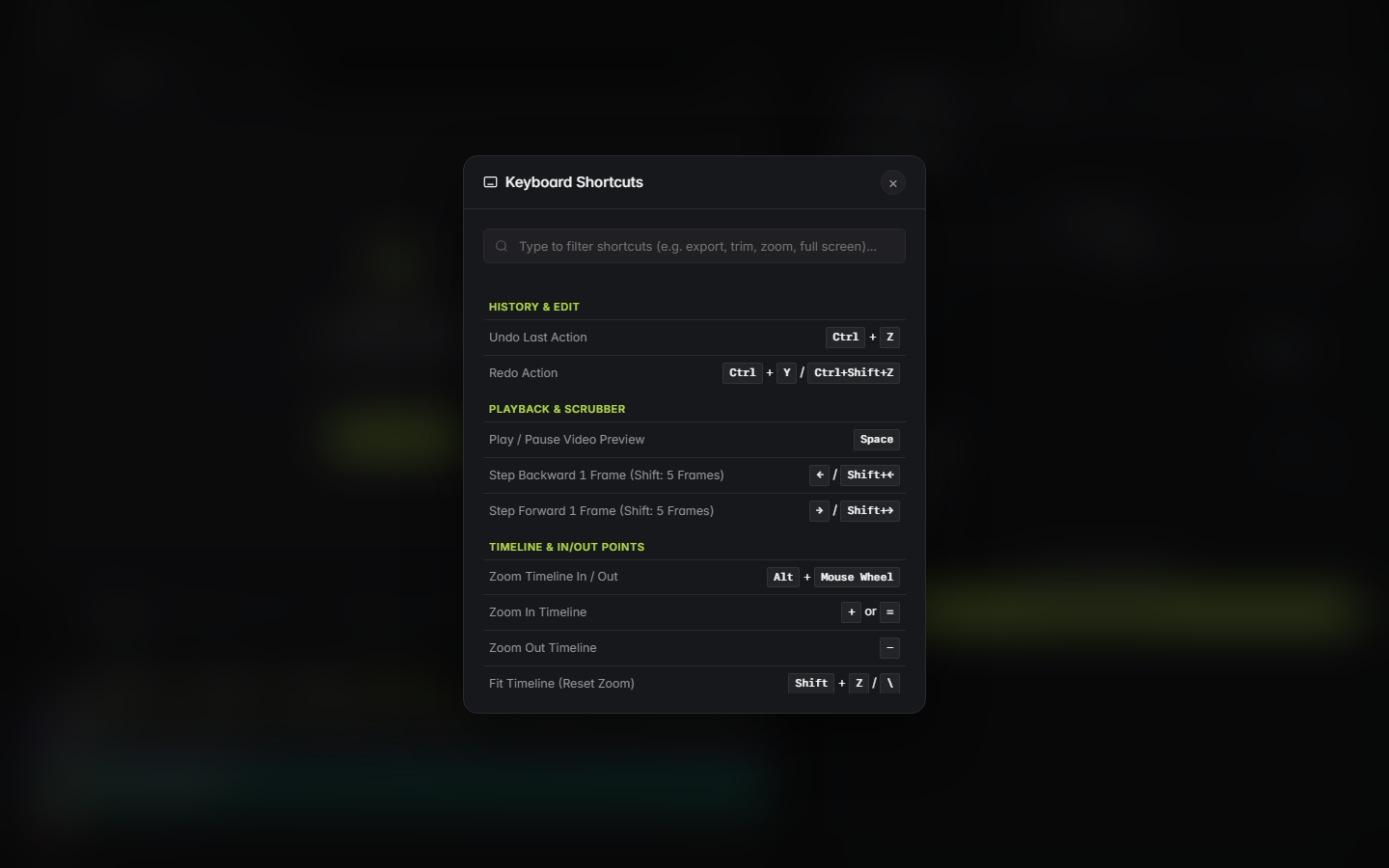
YIZERGE STUDIO UI
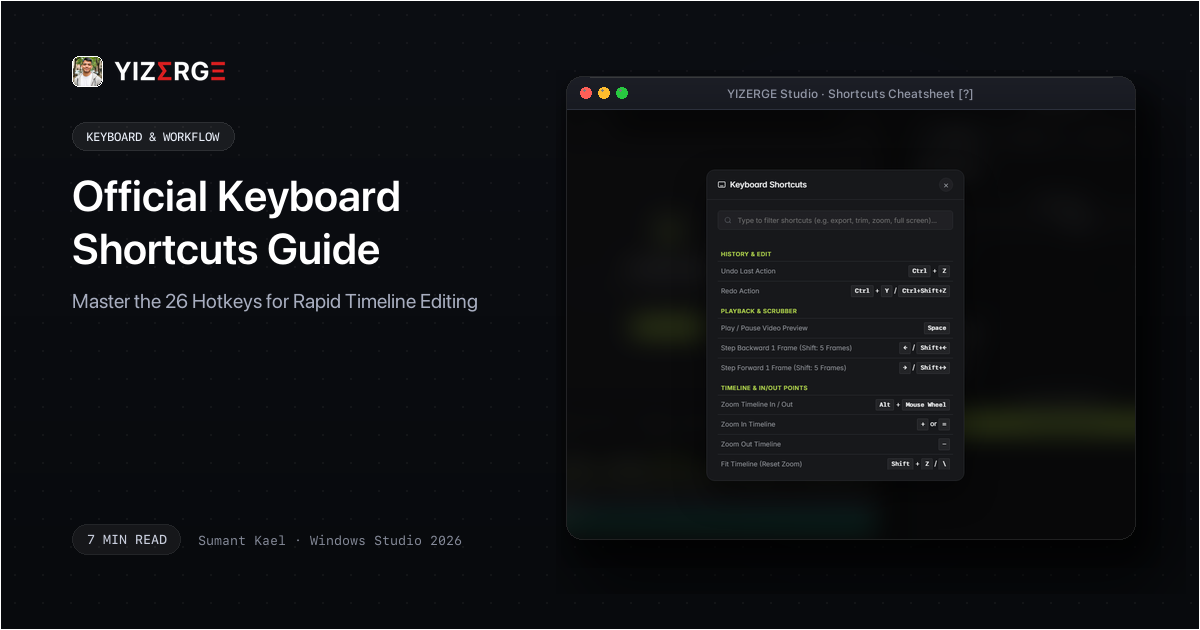
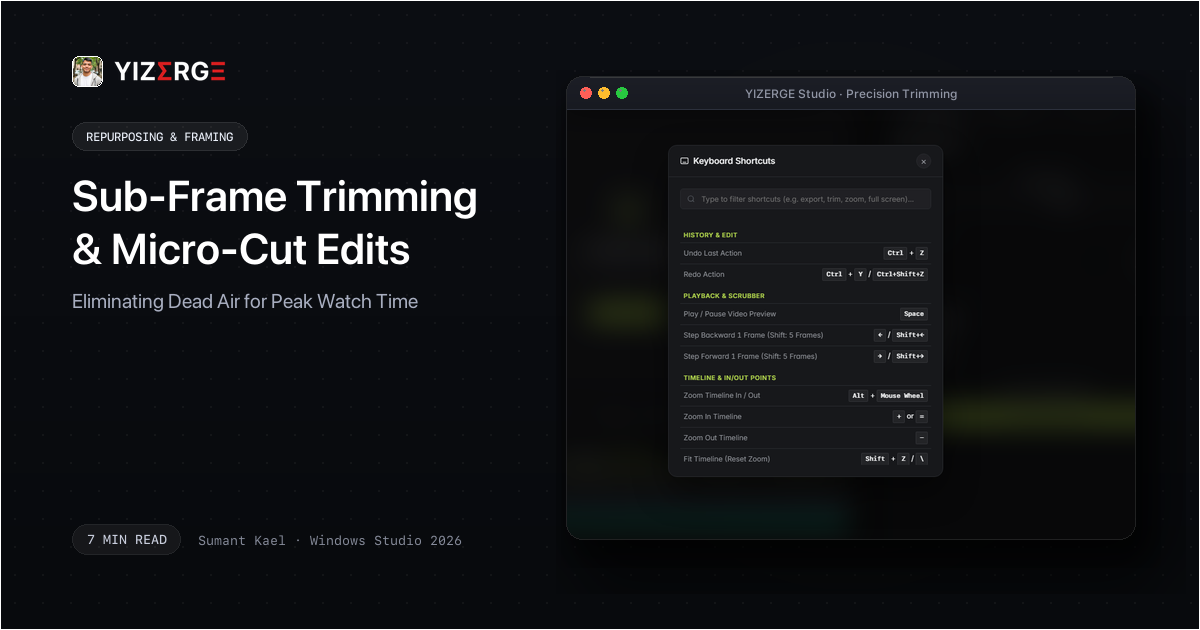
YIZERGE Pro Keyboard Shortcuts: split clips, ripple trim left/right, and frame step with zero mouse travel.
Frequently Asked Questions
How do I avoid cutting off trailing consonants like 't' or 's'?
Always inspect the audio waveform inside YIZERGE. High-frequency consonants appear as small transient ripples immediately following vocal pitch blocks. Cut 20 milliseconds after the transient settles to preserve natural diction.
Private Beta
Become an Early Tester for YIZERGE
We are inviting video creators to test upcoming Windows builds. Experience zero-degradation local GPU rendering, dynamic karaoke subtitles, and sub-frame precision.