- Subscription fatigue is real: Creators are paying hundreds annually for web tools that can't work without Wi-Fi.
- Native Windows software leverages direct DirectX and NVENC hardware pipelines for instantaneous rendering.
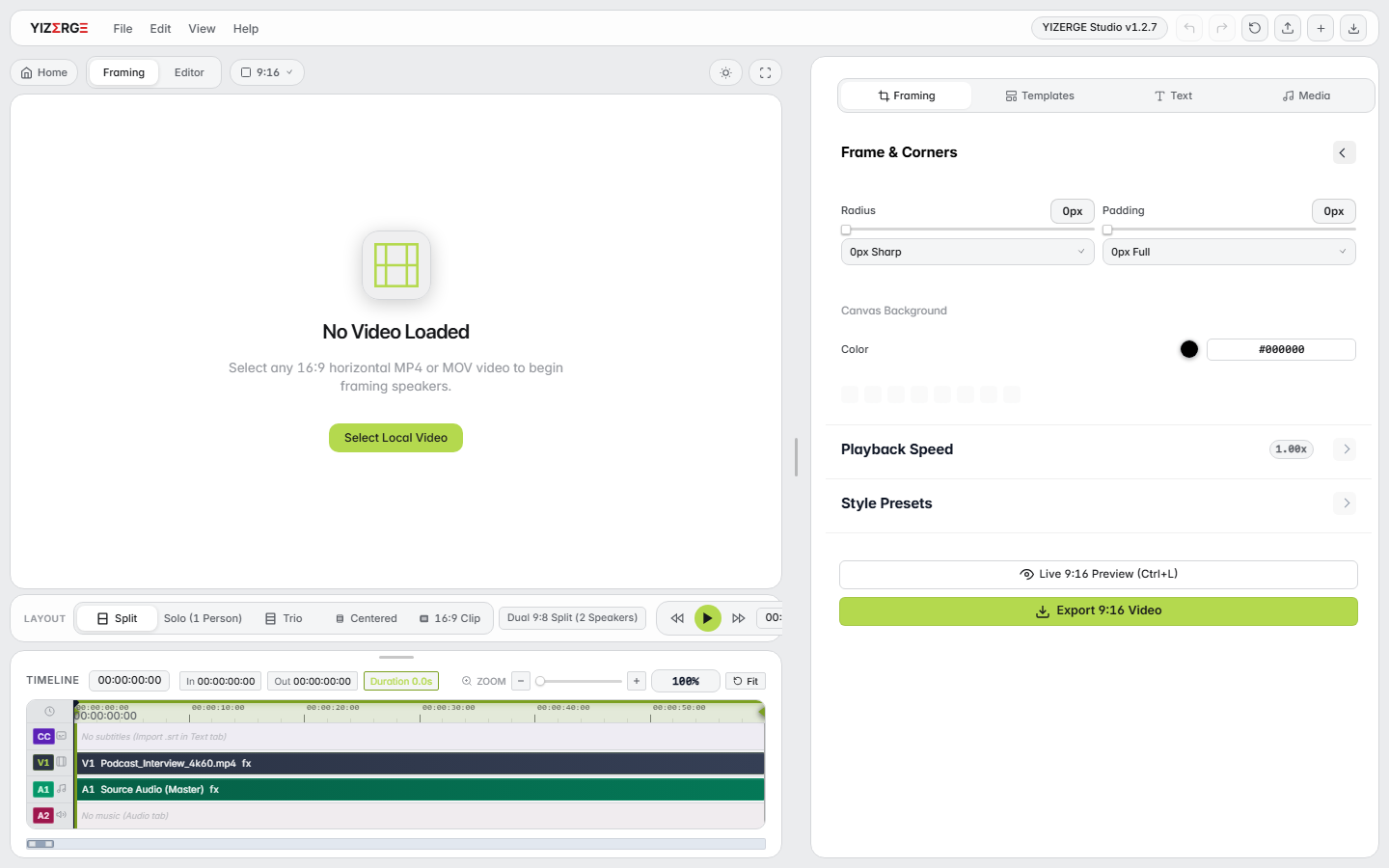
- YIZERGE delivers a dedicated, zero-bloat workflow built specifically for 16:9 to 9:16 vertical repurposing.
- Heavyweight NLEs like DaVinci Resolve and Premiere Pro are powerful but suffer from steep learning curves and heavy project bloat.
- Zero watermarks and offline licensing guarantee you own your creative assets without recurring paywalls.
Render Latency: 12-25 mins
Render Latency: 18 seconds
The Rise of Subscription Fatigue & Cloud Paywalls
The creator economy has been inundated by browser-based editing platforms (Opus Clip, Descript, Veed, Kapwing). While these tools offer quick cloud gimmicks, they come with debilitating drawbacks:
- Compulsory Monthly Subscriptions: Costs range between $20 to $60 every month. If you cancel, your access to past projects is terminated.
- Upload and Download Bottlenecks: Uploading 4K camera footage or 60-minute podcast recordings over residential Wi-Fi takes hours.
- Forced Watermarks: Free tiers slap massive, embarrassing watermarks directly across your content.
The Top Native Windows Video Editors Evaluated
We benchmarked the top offline video editors available for Windows 10 and 11 across launch speed, short-form framing efficiency, subtitle generation, and GPU export speed:
| Editor | Pricing Model | 100% Offline? | 9:16 Repurposing Focus | GPU Hardware Speed |
|---|---|---|---|---|
| YIZERGE Video Editor | Free / One-Time / No Watermarks | Yes (100% Local) | Dedicated Studio | Instant (NVENC, AMF, QuickSync) |
| DaVinci Resolve | Free (Studio $295) | Yes | General NLE (Complex Setup) | High (Heavy GPU VRAM Demand) |
| Adobe Premiere Pro | $22.99 / Month (Subscription) | Cloud DRM Check | General NLE (Slow Timeline) | Moderate (CUDA Acceleration) |
| CapCut Desktop | Freemium ($9.99/mo Pro Paywall) | Requires Login / Cloud | Short-Form Focused | Moderate |
| Shotcut | Free Open Source | Yes | General NLE (Basic) | Low (CPU-bound exports) |
Why YIZERGE is Built Specifically for Modern Short-Form Editors
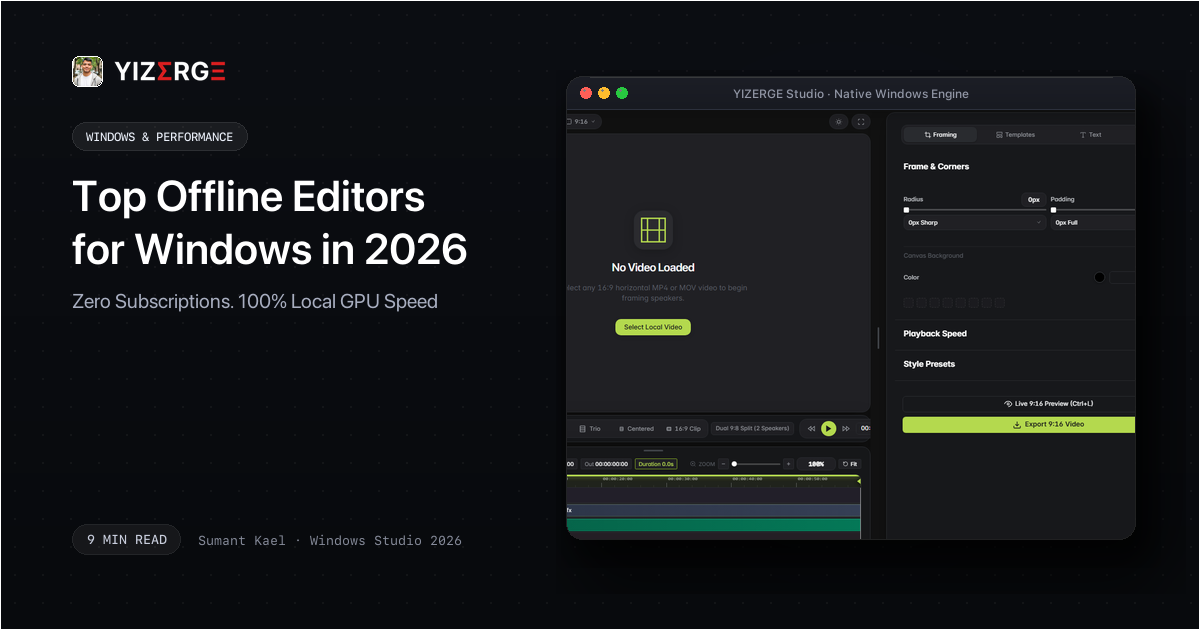
Unlike massive NLEs that take 45 seconds just to load project libraries, YIZERGE opens in under 1.5 seconds. Its entire software engine is laser-focused on one primary objective: taking existing long-form video files and turning them into punchy, high-retention 9:16 vertical shorts in minutes.
With built-in speaker auto-framing, dynamic karaoke subtitles, and local NVENC hardware encoding, creators can batch out a week's worth of TikToks, Reels, and Shorts in a single afternoon session.
Frequently Asked Questions
Yes. YIZERGE is available as both a standard Inno Setup installer (.exe) and a standalone Portable Edition (.zip) that runs directly from any folder or USB drive with zero system registry modifications.
Windows 10 or 11 (64-bit), 4 GB of RAM, and any modern Intel, AMD, or NVIDIA graphics card. YIZERGE automatically detects your hardware and enables optimal GPU acceleration.
Become an Early Tester for YIZERGE
We are inviting video creators to test upcoming Windows builds. Experience zero-degradation local GPU rendering, dynamic karaoke subtitles, and sub-frame precision.