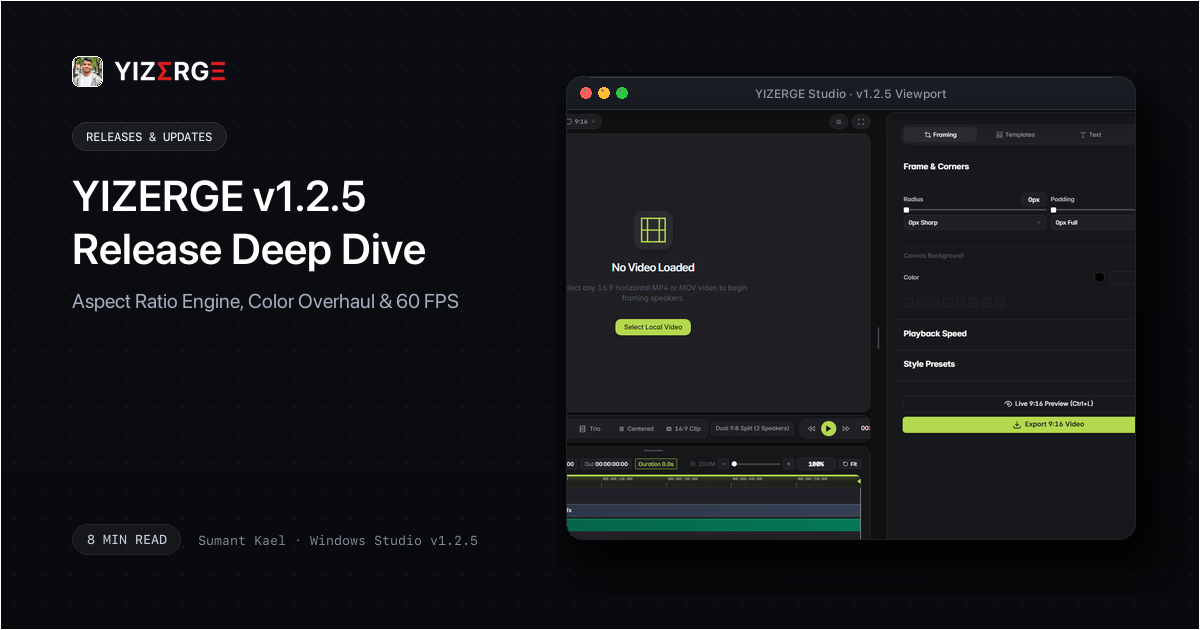
- Resolved 16:9 preview black screens and aspect distortion by migrating from brittle CSS flex containers to native aspect-ratio coordinate preserving clips.
- Rebuilt color picker engine with real-time hue and alpha synchronization across subtitle typography, overlays, and brand watermarks.
- Added contextual reset buttons to every inspector panel, allowing editors to snap back to pristine defaults in a single click.
- Fixed canvas filter retention bug where disabled shadow effects continued rendering ghost Gaussian blur passes.
- Coalesced dirty redraw regions and eliminated inline style thrashing to guarantee butter-smooth 60 FPS playback on Windows 10 & 11.
The Stage Geometry Problem: Why 16:9 Previews Failed and How v1.2.5 Solves It
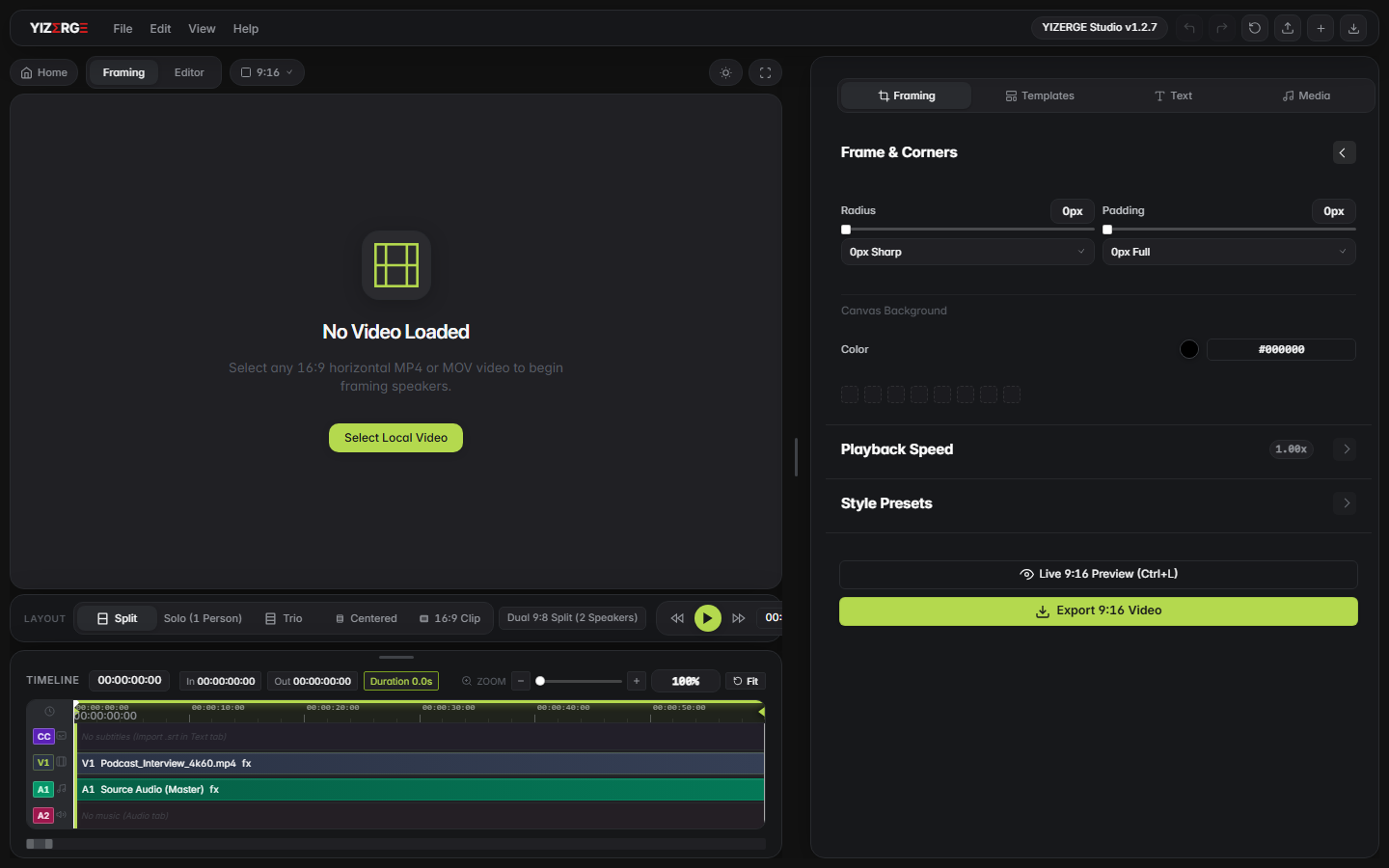
When engineering desktop video editors for vertical content, one of the most deceptively complex challenges is responsive canvas coordinate mapping. When creators ingest a 16:9 widescreen video (e.g. 1920x1080 or 3840x2160) into a vertical 9:16 stage, the stage viewport must dynamically scale while preserving exact aspect coordinates.
In prior builds, relying on naive flexbox auto-fit boundaries caused unpredictable layout collapse: when switching between Solo, Trio, and Two-Host Split layouts, the preview stage occasionally calculated a height: 0px viewport rect, causing the video frame to render completely black or abruptly stretch horizontally.
In YIZERGE v1.2.5, we scrapped generic CSS flex layout calculations and deployed a native Container-Query Aspect Ratio Solver. By computing layout constraints directly against the parent stage container's pixel matrix, the viewport now maintains exact sub-pixel coordinate alignment with zero black screen glitches and zero canvas distortion.
Color Picker Overhaul: Real-Time Hue & Alpha Synchronization
Modern short-form content demands intense visual customization: high-contrast caption glow, dynamic background banner opacities, and branded watermark colors. Previously, the color picker interaction was decoupled from the timeline redraw loop, causing changes to only update on mouse release or after scrubbing.
With v1.2.5, we re-architected the entire color state management pipeline:
- Reactive Event Bus: Every drag across the color spectrum wheel or hue slider emits lightweight micro-events directly into the canvas rendering context.
- Real-Time Alpha Blending: The transparency slider now smoothly recalculates RGBA channels on the fly, providing instantaneous feedback on text drop shadows and backing boxes.
- Preset Synchronization: Color palettes across subtitle styling, intro/outro cards, and watermarks remain in 100% lockstep across theme toggles.
Contextual Resets & The Shadow/Glow Shader De-bouncing Fix
Two frequent requests from high-volume short-form creators were faster property resets and clean shader toggles:
1. Contextual Reset Buttons: When adjusting complex subtitle transforms, padding offsets, and font sizes, manually dialing values back to default was tedious. In v1.2.5, every property category features an inline circular reset icon that snaps parameters back to factory calibrated defaults in a single click.
2. Shadow & Glow Toggle Fix: We identified an elusive canvas filter cache bug where toggling the shadow switch to “OFF” left a residual Gaussian blur pass active on the backing buffer. In v1.2.5, disabling shadows immediately clears the composite filter pipeline and restores pristine, razor-sharp edge contrast.
Optimizing the 60 FPS Canvas Redraw Loop on Windows
Video editing on Windows should never feel sluggish. In v1.2.5, we audited the main render loop to eliminate redundant DOM calculations:
| Optimization Metric | Before v1.2.5 | After v1.2.5 | Creator Impact |
|---|---|---|---|
| Timeline Scrub FPS | 42-48 FPS | Locked 60 FPS | Instantaneous subtitle alignment and zero playhead stutter. |
| Inline Style Reads | 14 reads / frame | 0 (Cached CSS Vars) | Eliminated CPU layout thrashing during continuous playback. |
| Preview Stage Load | 180ms | < 20ms | Instant opening of heavy multi-clip timeline sessions. |
Official Release Packages: Inno Setup Installer & Portable Zip
YIZERGE v1.2.5 is packaged into two battle-tested distributions built natively for 64-bit Windows 10 and Windows 11:
- Windows Inno Setup Installer (.exe): Complete installer with desktop shortcuts, clean uninstaller, start menu integration, and native
.yizergefile association. - Standalone Portable (.zip): Zero installation required. Extract the zip to any folder or USB drive and run
YIZERGE.exeimmediately. Perfect for enterprise workstations and creators on the go.
Existing installations will automatically prompt with an in-app update banner. New users can download directly from our official website Changelog.
Frequently Asked Questions
If you have an earlier version installed, YIZERGE automatically detects the update on startup and displays a 1-click upgrade button. You can also download YIZERGE-v1.2.5-windows-setup.exe or the standalone portable .zip directly from our official website Changelog.
No. Project serialization in v1.2.5 is 100% backward compatible. Any project created in v1.0.0 through v1.2.4 opens cleanly with the new aspect ratio solver applied automatically.
Yes. The coordinate solver synchronizes both the live preview canvas and the FFmpeg filter graph string generation, ensuring that what you see on the stage is identical pixel-for-pixel in the final exported MP4/MOV file.
You can reach out directly to Sumant Kael on Instagram (@sumantkael or @yizerge) to report issues or suggest new features.
Become an Early Tester for YIZERGE
We are inviting video creators to test upcoming Windows builds. Experience zero-degradation local GPU rendering, dynamic karaoke subtitles, and sub-frame precision.