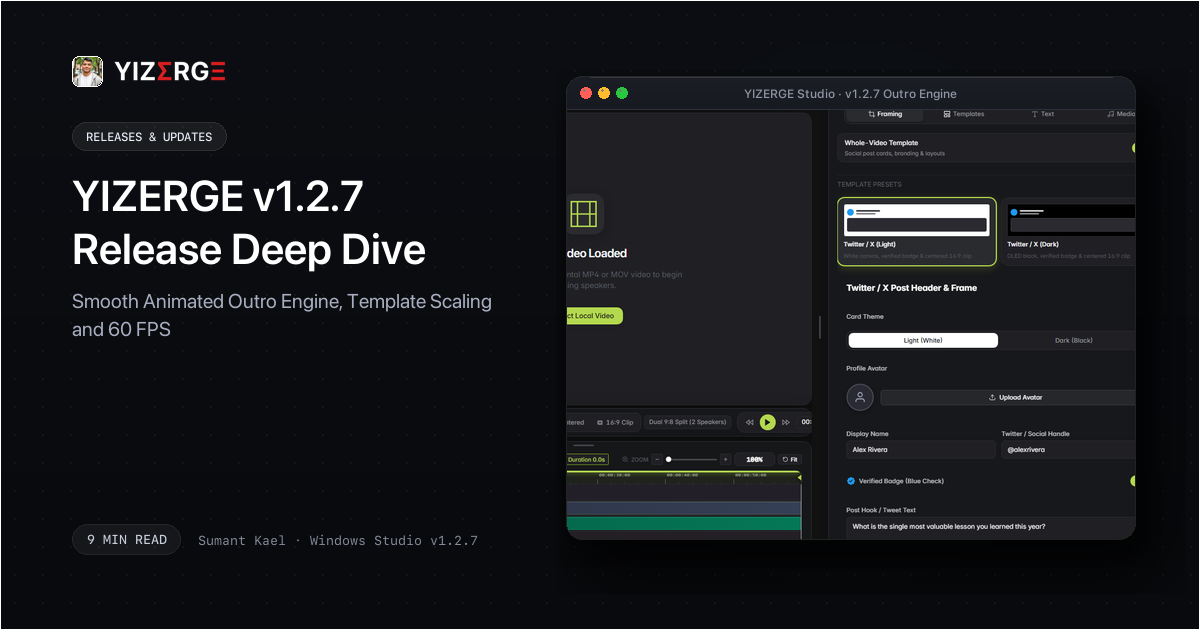
- Continuous Jitter-Free Outro Animation: Replaced linear transitions with a smooth sine deceleration easing curve that brings animated avatar and brand cards to a natural, graceful rest.
- 4x Anti-Aliased Supersampling: Eliminated jagged outlines on zoomed elements by rendering high-resolution offscreen canvases before sampling down to stage dimensions.
- Optical Center Coordinate Locking: Fixed sub-pixel rounding drift, guaranteeing absolute 0.0px center wobble throughout complex zoom and scale sequences.
- Template Video Box Coordinate Scaling: Dynamic aspect-ratio bounding box translation (ref_sx, ref_sy) automatically maps 16:9 widescreen footage cleanly into responsive 9:16 vertical stage templates without clipping or edge distortion.
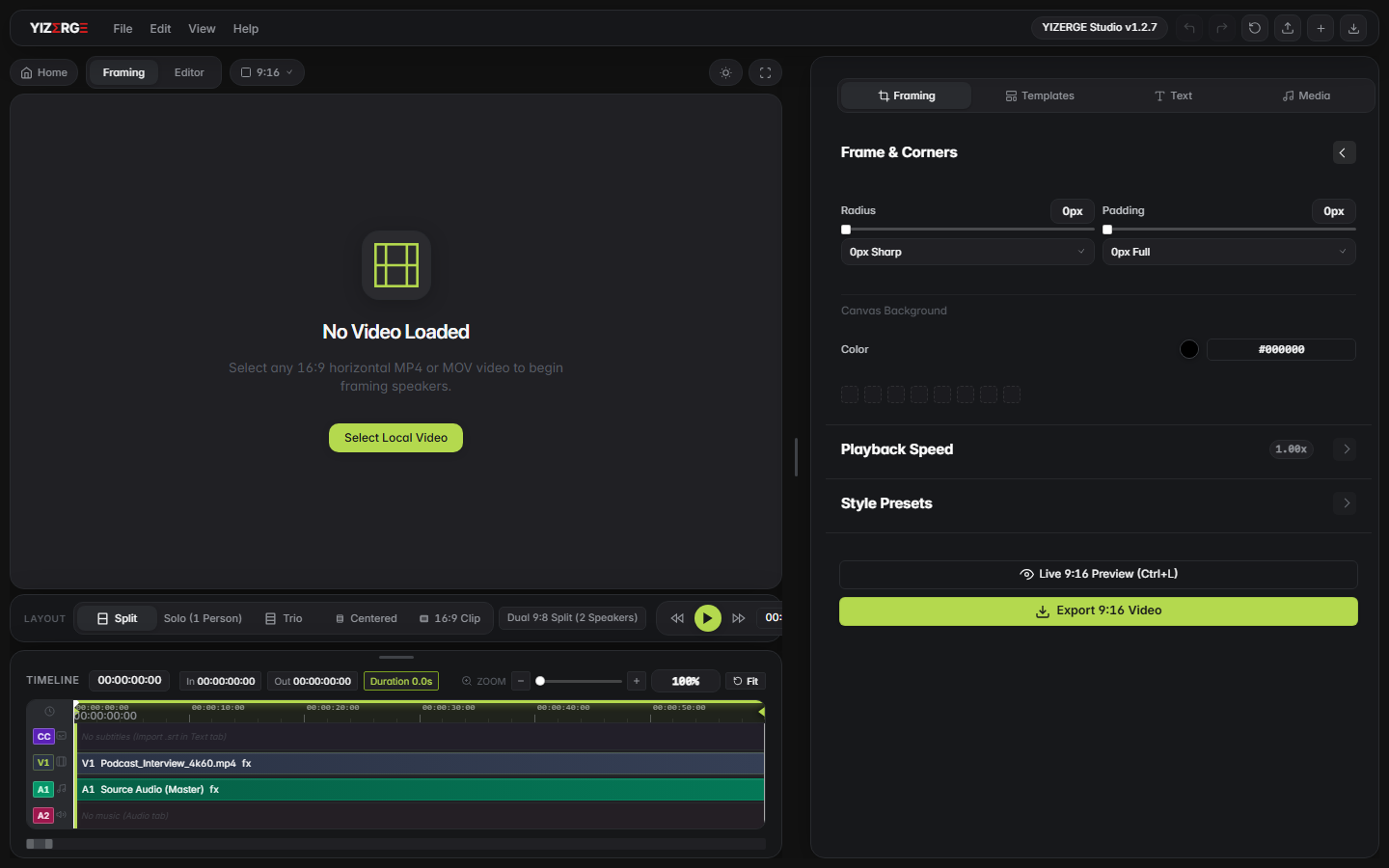
- Decoupled Padding & Corner Radius Framing: Isolated footage padding from template layouts for pristine edge compositing and zero card boundary clipping.
- 60 FPS Hardware Export Pipeline: Elevated animated outro export to standard 60 FPS utilizing dedicated hardware encoding via NVENC and AMF.
The Flaw with Traditional Outro Generators: Why Linear Motion Breaks Immersion
Imagine riding in a car where the driver never eases onto the brake pedal. Instead, they press the brake to the floor the split second before the stop line. Your body jerks forward uncomfortably. That jarring sensation is exactly how conventional video editors animate end screens. With linear interpolation, objects move at constant speed and then stop dead in their tracks, producing an unnatural, robotic stutter that breaks audience immersion.
When viewers reach the final seconds of a high-retention video, visual polish determines whether they subscribe or scroll away. A harsh, mechanical outro animation immediately signals amateur production. In YIZERGE v1.2.7, we redesigned the motion engine from foundational physics up, ensuring that every graphic scales, eases, and settles with organic grace.
Trigonometric Sine Deceleration: The Physics of Natural Motion
In physics, natural deceleration is never linear. When an object glides to a stop against friction, its rate of slowing follows a curved harmonic function. To reproduce this phenomenon on screen, YIZERGE v1.2.7 employs a trigonometric quarter-sine deceleration curve:
scale(t) = start_scale + (target_scale - start_scale) * sin(clamp(t / duration, 0.0, 1.0) * (PI / 2.0))
Like a high-speed bullet train docking smoothly at a terminal platform, the outro graphic begins its transition with confident, purposeful velocity and then gently, progressively sheds momentum. By the time it arrives at its target dimensions, its acceleration has gracefully reached zero. The result is a buttery, tactile resting motion that feels tactile and intentional.
4x Anti-Aliased Supersampling and 0.0px Optical Center Locking
Scaling graphics dynamically on a digital display introduces two subtle visual artifacts: jagged edge pixelation and sub-pixel coordinate jitter. When a circular avatar or card border expands across screen pixels, fractional coordinates must round up or down to the nearest display pixel. If frame 12 rounds coordinate X = 450.4px to 450px and frame 13 rounds X = 450.6px to 451px, the entire image appears to flutter or shake by one pixel.
YIZERGE v1.2.7 resolves both challenges with a dual-stage optical stabilization engine:
- 0.0px Optical Center Locking: The engine calculates the absolute center point
(cx, cy)of the graphic prior to animation onset and locks it as an immutable reference coordinate. All scale transforms radiate symmetrically outward from this anchored pivot, completely eliminating coordinate drift and sub-pixel shudder. - 4x Anti-Aliased Supersampling: Each frame is rendered into an offscreen high-density buffer at 4x target resolution. The engine applies a high-fidelity bicubic downsampling kernel when blitting to the final composition canvas. Curved borders, profile badges, and fine typography remain razor-sharp without stair-stepping or blurry edges.
Template Video Box Coordinate Mapping: Decoupled Framing
Fitting a wide 16:9 widescreen video inside a stylish 9:16 vertical template is like cutting a custom mat board for an art gallery picture frame. If the cut is slightly misaligned, either the artwork gets sliced off or ugly blank gaps show through. Traditional editors frequently distort the source aspect ratio or force the creator to guess manual pixel offsets.
YIZERGE v1.2.7 introduces intelligent bounding box coordinate translation matrices: ref_sx and ref_sy. When you load a multi-card vertical template, the studio automatically calculates the aspect ratio difference between the source footage and the template card aperture:
- Coordinate Mapping (
ref_sx,ref_sy): Computes exact bounding vectors so your video fills the template container without stretching, clipping, or distorting host facial proportions. - Decoupled Padding & Corner Radii: Isolates video padding and rounded corners so template backgrounds, decorative borders, and brand cards composite independently without edge bleeding.
60 FPS Pipeline: Butter-Smooth Playback and Hardware GPU Export
Motion graphics live or die by frame rate. At 24 or 30 frames per second, rapid scaling animations suffer from noticeable motion strobing and frame skipping. YIZERGE v1.2.7 standardizes animated outro generation at a full 60 frames per second.
To ensure high rendering speed without overwhelming your workstation, the export pipeline interfaces directly with dedicated hardware encoders: NVIDIA NVENC and AMD AMF. High-resolution frames stream through offscreen GPU memory surfaces, keeping your system cool, responsive, and ready for your next creative session.
Combine YIZERGE v1.2.7's smooth animated outro with a 5-second final hold. Keep your background music fading out smoothly while the soft-fade text emerges. This gives your audience just enough time to read your channel handle and tap subscribe without abruptly cutting off your narrative rhythm.
Frequently Asked Questions
Standard linear animation moves at constant speed and abruptly halts when reaching the final frame, causing an unnatural mechanical jolt. Sine deceleration calculates progress along a harmonic curve: scale = s0 + ds * sin(progress * PI / 2). The animation begins with momentum and smoothly decelerates until its velocity reaches zero at the target frame, mirroring the physics of real-world objects.
When zooming an element dynamically, floating-point coordinates must be rounded to integer pixels. If coordinates round up on one frame and down on the next, the visual center shakes back and forth by one pixel. YIZERGE v1.2.7 fixes this by anchoring the optical center coordinate (cx, cy) as an invariant pivot point and rendering through a 4x supersampled offscreen buffer with bicubic filtering, guaranteeing 0.0px wobble.
Standard cropping simply clips a rectangle out of your video, often cutting off heads or distorting proportions when placed inside complex card layouts. YIZERGE v1.2.7 calculates dynamic coordinate scaling factors (ref_sx and ref_sy) that map widescreen footage into the exact dimensions of the template video card while keeping outer card padding, rounded corners, and decorative borders completely independent.
Yes. YIZERGE utilizes dedicated hardware video acceleration via NVIDIA NVENC and AMD AMF. Offscreen surfaces are processed directly in GPU memory, enabling smooth 60 FPS exports without CPU bottlenecks or system lag.
Become an Early Tester for YIZERGE
We are inviting video creators to test upcoming Windows builds. Experience zero-degradation local GPU rendering, dynamic karaoke subtitles, and sub-frame precision.