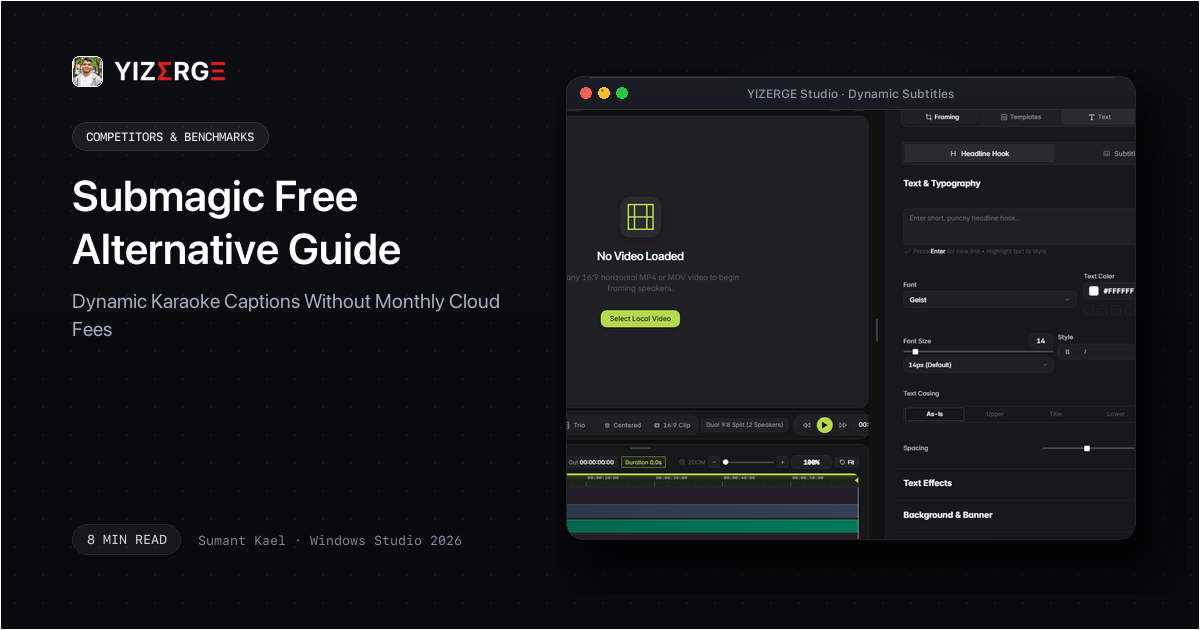
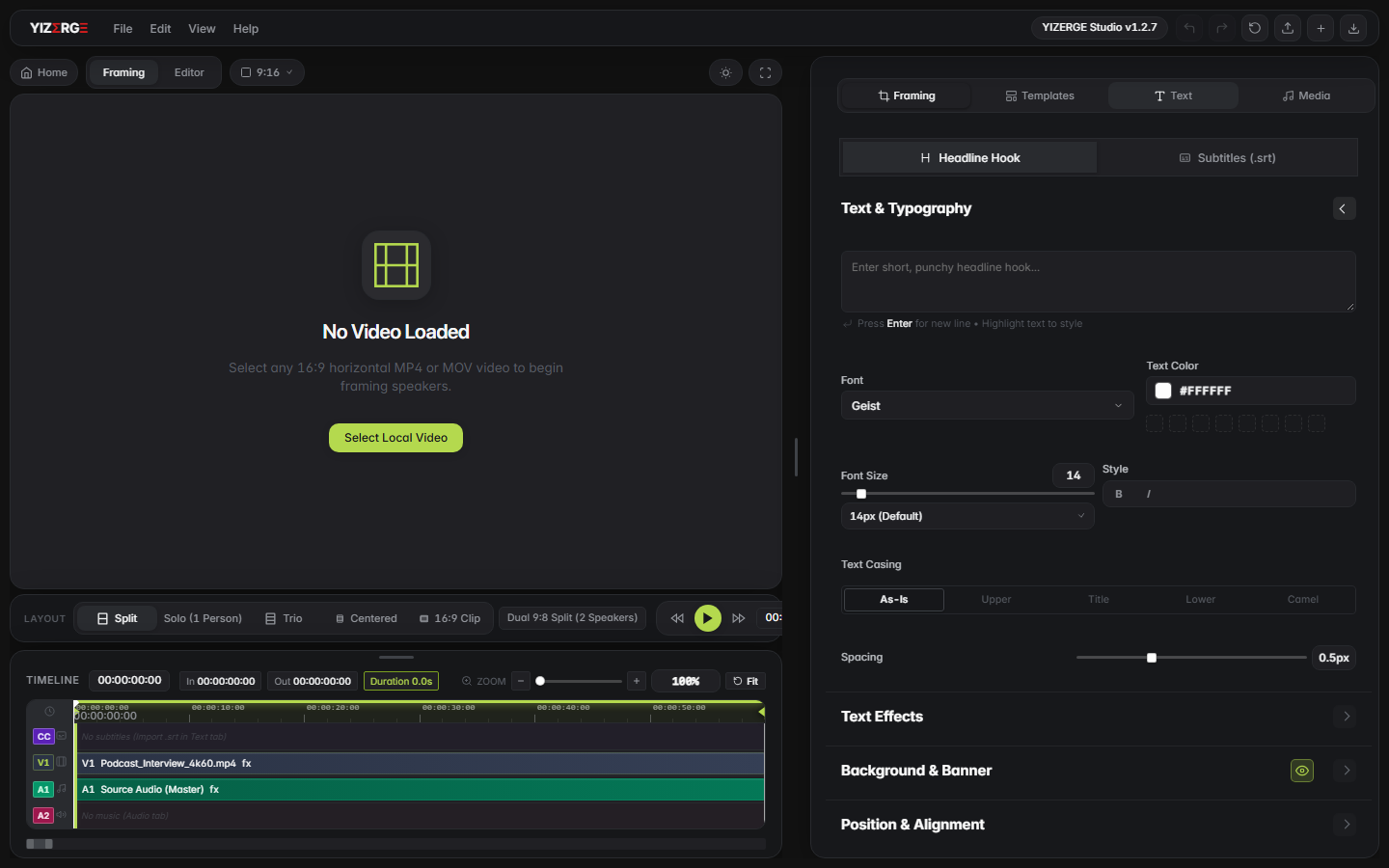
- Local GPU vs Cloud Rendering: Submagic renders captions in remote cloud queues with strict video length limits. YIZERGE burns animated subtitles directly onto frames via local GPU in 3-5 seconds.
- Word-by-Word Active Pop: YIZERGE features a built-in kinetic subtitle engine that highlights active words in vibrant colors (#FFE600, red, cyan) with elastic bounce physics.
- Safe-Zone Formatting: Automatic TikTok, Instagram Reels, and YouTube Shorts UI safe-zone guides prevent caption text from overlapping profile handles or descriptions.
- Complete Privacy: Your speech, audio tracks, and video clips never leave your computer or get uploaded to cloud AI servers.
Table of Contents
Why Creators Are Seeking Submagic Alternatives
Submagic gained substantial popularity by offering trendy, Hormozi-style animated captions directly in the web browser. However, for creators publishing daily vertical videos, the platform presents steep financial and technical barriers:
- Expensive Recurring Subscriptions: Paying $20 to $50 every month ($240 to $600 annually) just to add dynamic subtitles to short videos is unsustainable for independent creators and growing agencies.
- Rigid Video Length Caps: Basic plans often cap videos at 90 seconds. If your short runs 95 seconds or you want to caption a 3-minute carousel, you are blocked.
- Cloud Upload Bottlenecks: Uploading high-bitrate 4K files recorded on cameras or iPhones into a browser editor results in repeated upload errors and rendering wait times.
Comparison: YIZERGE Studio vs Submagic
See how local desktop rendering compares with Submagic's web-based subscription model:
| Feature | YIZERGE Studio | Submagic (Basic Tier) |
|---|---|---|
| Rendering Pipeline | Instant Local GPU NVENC/AMF (3-5s) | Cloud Server Queue Rendering (3-10m) |
| Kinetic Active Word Pop | Built-in with Custom Colors & Physics | Preset Cloud Templates |
| 16:9 to 9:16 Auto-Framing | Solo, Dual Split & Blurred Stage | Basic Video Positioning |
| Video Ingestion | Instant Local NVMe Read (0 MB Upload) | Gigabytes Uploaded Across Network |
| Export Quality | 4K Ultra HD at 60 FPS | 1080p at 30 FPS |
| Watermark Policy | Zero Watermark Ever | Forced Submagic Watermark |
| Safe-Zone Guides | Built-in TikTok, Reels & Shorts Overlays | Basic Visual Preview |
| Privacy & Security | 100% Local on SSD & RAM | Footage uploaded to cloud servers |
| Offline Capability | Works completely without internet | Requires continuous web connection |
| Current Availability | Windows Private Beta (Testing Phase) | Commercial SaaS ($20 to $50/month) |
With local software, you enjoy complete creative freedom without monthly credit countdowns or paywall popups.
How to Create Dynamic Karaoke Subtitles in YIZERGE
YIZERGE makes animated caption generation effortless on Windows:
- Import Your Clip: Drag and drop your MP4, MOV, or MKV video into YIZERGE Studio.
- Open Subtitle Inspector: Select the Captions panel to access dynamic karaoke presets.
- Customize Highlighting: Choose your active word highlight color (Electric Yellow #FFE600, Signal Red, Neon Green, or Cyan) and stroke outline thickness.
- Adjust Safe-Zones: Ensure text sits comfortably above the TikTok/Reels bottom caption zone and right-side interactive buttons.
- Export Clean Video: Hit Export for a crystal-clear 4K vertical video with burned-in subtitles in under 5 seconds.
Best Practices for Maximum Short-Form Subtitle Retention
To maximize viewer watch time and retention on TikTok, Instagram Reels, and YouTube Shorts, follow these proven styling rules:
- Limit Words Per Line: Keep subtitles to 3 to 5 words per line. Rapid line flips maintain visual rhythm and prevent viewers from getting bored.
- Use High-Contrast Colors: Pair bold white text (#FFFFFF) with a solid black outline (3px-5px) and a vibrant active word highlight (#FFE600). This guarantees legibility across all video backgrounds.
- Respect Safe Zones: Position captions in the center-middle third of the vertical canvas, well clear of platform interaction icons on the right and bottom descriptions.
Final Verdict: Stop Paying Monthly Cloud Fees for Subtitles
Dynamic subtitles should not require an expensive recurring SaaS bill or slow browser queues. By utilizing YIZERGE Video Editor on Windows, you unlock studio-grade kinetic karaoke captions, sub-frame trimming, and instant 4K exports with complete styling control and zero cloud latency.
Frequently Asked Questions
YIZERGE Video Editor includes a native animated karaoke subtitle engine for Windows 10 & 11, rendering word-by-word active pop captions locally with zero cloud uploads.
Yes. YIZERGE includes word-by-word active highlighting with pop/bounce transitions, custom stroke outlines, glow drop shadows, and brand color presets.
Because YIZERGE burns subtitles directly onto video frames using GPU hardware acceleration, exporting a 60-second 4K vertical short takes only 3 to 5 seconds.
Become an Early Tester for YIZERGE
We are inviting video creators to test upcoming Windows builds. Experience zero-degradation local GPU rendering, dynamic karaoke subtitles, and sub-frame precision.