- The Pro Paywall Shift: CapCut Desktop has shifted essential features like auto-captions and smooth exports into paid Pro tiers ($12.99/mo or $119/yr).
- Privacy & Telemetry: CapCut requires account authentication and sends extensive usage telemetry to ByteDance servers. Native offline editors keep 100% of video data locally.
- Repurposing Friction: Re-framing landscape 16:9 podcast video into 9:16 vertical shorts in CapCut requires manual cropping, repositioning, and keyframing. Dedicated repurposers do it in 1 click.
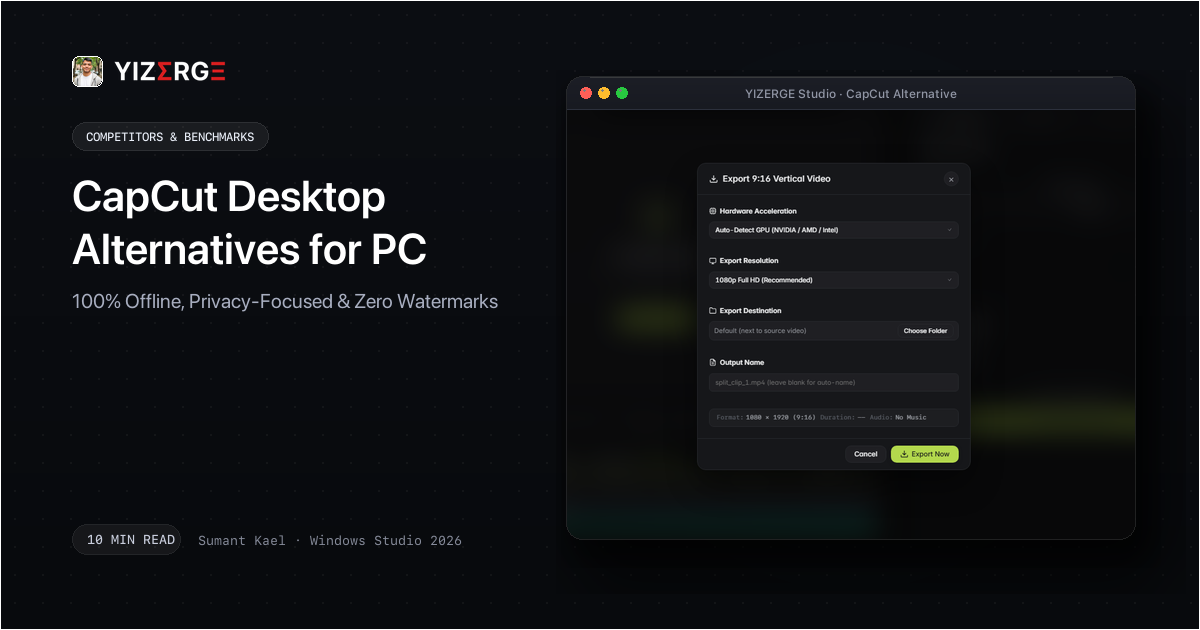
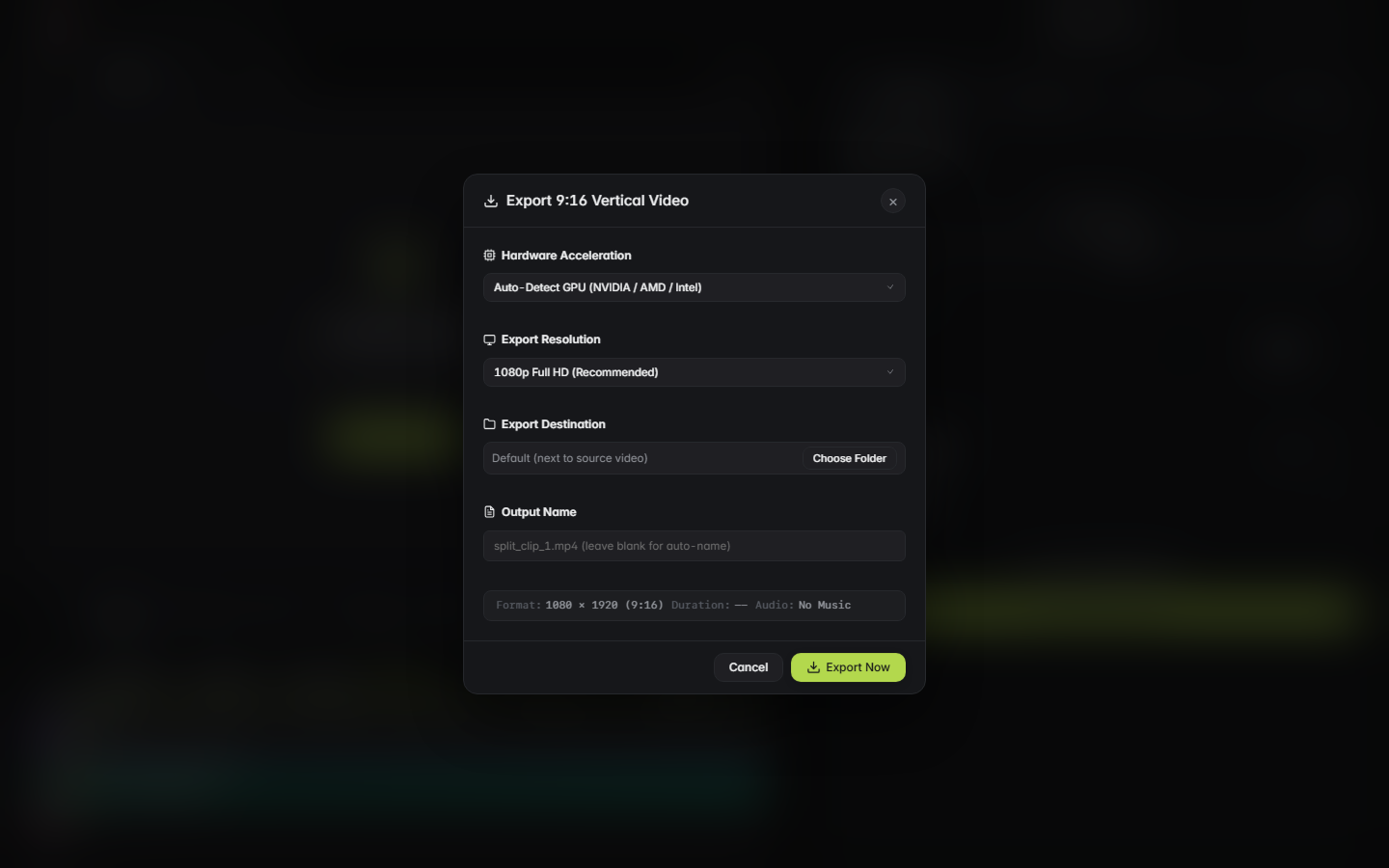
- Hardware Acceleration: Tools engineered specifically for Windows GPU pipelines (NVENC, AMF, QuickSync) render vertical shorts in 3-5 seconds without background bloatware.
Table of Contents
- The Growing Pain Points of CapCut Desktop in 2026
- Comparison: YIZERGE Video Editor vs CapCut Desktop
- Why YIZERGE Is the Best CapCut Alternative for Shorts & Repurposing
- Step-by-Step: Extracting Vertical Shorts Without CapCut Paywalls
- Final Verdict: Which Editor Should You Choose?
- Frequently Asked Questions
The Growing Pain Points of CapCut Desktop in 2026
CapCut initially gained market share as a free, user-friendly mobile and desktop video editing suite. However, creator sentiment has shifted dramatically over the past 12 months:
- Paywalls on Basic Features: Features that creators used daily for years - such as automated speech-to-text captions, certain text animations, and background removal - now display a prominent Pro badge. Attempting to export a video with any Pro element triggers a hard paywall.
- Forced Logins & Cloud Tracking: CapCut increasingly blocks functionality until users authenticate with an account. For workplace environments, educational institutions, or privacy-conscious creators, this cloud telemetry is unacceptable.
- Bloated Interface for Fast Repurposing: CapCut is designed as a broad, multi-track editor. When a creator simply wants to extract 10 viral clips from an hour-long podcast, navigating CapCut's cluttered asset store and multi-track timelines is inefficient compared to specialized repurposing software.
Comparison: YIZERGE Video Editor vs CapCut Desktop
Below is a direct comparison between YIZERGE and CapCut Desktop for Windows users:
| Feature | YIZERGE Studio | CapCut Desktop |
|---|---|---|
| Software Framework | 100% Offline Native Desktop App | Desktop App with Heavy Cloud Sync |
| Processing Engine | Native Windows C++ & Direct GPU (NVENC/AMF) | General-Purpose Video Rendering Engine |
| Account & Login Requirement | Zero Login Required (Instant Launch) | Mandatory Account Login for Key Tools |
| Dynamic Karaoke Captions | Built-in Word-by-Word Active Pop | Locked Behind Pro Subscription Badge |
| Cloud Telemetry & Tracking | Zero Telemetry (100% Local) | Continuous Background Telemetry to ByteDance |
| 16:9 to 9:16 Repurposing | 1-Click Layouts (Solo, Split, Blur) | Manual Multi-Track Repositioning & Cropping |
| Export Hardware Speed | 3-5s GPU Render (DirectX/NVENC) | Variable Desktop Rendering Speed |
| Offline Reliability | Works anywhere with zero internet | Requires internet for effects and updates |
| Commercial Usage | 100% Creator Owned (Zero Restrictions) | Terms restrict commercial usage on free tier |
| Current Availability | Windows Private Beta (Testing Phase) | Freemium ($12.99/mo or $119/yr Pro) |
While CapCut remains a solid general-purpose editor for casual vloggers, professional short-form repurposers benefit immensely from a dedicated, distraction-free environment.
Why YIZERGE Is the Best CapCut Alternative for Shorts & Repurposing
If your primary goal is converting widescreen videos (podcasts, webinars, gaming streams, tutorials) into vertical reels for TikTok, Instagram, and YouTube Shorts, YIZERGE provides significant advantages over CapCut:
- Zero Gated Features: Every single animation style, export resolution, and audio ducking control is completely unlocked. There are no Pro badges, watermarks, or trial expiration timers.
- Sub-Frame Cut Precision: Edit speech boundaries with millisecond accuracy using the high-resolution audio waveform visualizer. Eliminate awkward cut-offs and stuttering in one fluid motion.
- Native 60 FPS GPU Rendering: Direct integration with NVIDIA NVENC, AMD AMF, and Intel QuickSync ensures your graphics card renders full 4K 60fps vertical exports in under 5 seconds.
- True Desktop Privacy: Engineered natively for Windows 10 & 11 (64-bit), YIZERGE does not connect to external servers, track your keystrokes, or transmit private footage.
Step-by-Step: Extracting Vertical Shorts Without CapCut Paywalls
Follow these steps to produce clean vertical clips without paying for CapCut Pro:
- Launch YIZERGE: Instant desktop launch with zero splash-screen ads or login prompts.
- Drop 16:9 Footage: Drag your video file directly into the stage area.
- Select Aspect Ratio: Switch from 16:9 to 9:16 with one click. Select your template or auto-framing mode.
- Style Dynamic Subtitles: Add animated karaoke text with active word pop effects.
- Export in 4K: Click Export to generate a watermark-free MP4 in under 5 seconds.
Final Verdict: Which Editor Should You Choose?
If you need multi-track keyframe animation and sticker overlays for casual lifestyle vlogs, CapCut remains an option if you are willing to pay the monthly Pro subscription. However, if your goal is fast, professional, and private vertical video repurposing from 16:9 footage, YIZERGE delivers a vastly superior, watermark-free experience with complete desktop privacy.
Frequently Asked Questions
CapCut Desktop has aggressively gated features like auto captions, vocal isolation, and dynamic effects behind paid monthly Pro subscriptions ($12.99+/mo). Creators also have growing data privacy concerns regarding mandatory cloud logins and tracking.
Yes. YIZERGE includes a native animated karaoke subtitle engine with word-by-word active pop transitions, bounce physics, stroke styling, and TikTok/Reels safe-zone positioning with zero cloud uploads.
Yes. YIZERGE is a 100% offline desktop application. You never have to sign up, log in, or connect to the internet to edit or export videos.
Become an Early Tester for YIZERGE
We are inviting video creators to test upcoming Windows builds. Experience zero-degradation local GPU rendering, dynamic karaoke subtitles, and sub-frame precision.