- Cloud vs Local GPU: Opus Clip forces multi-gigabyte uploads over home internet to shared servers. Native Windows software reads footage directly from your NVMe SSD at 3,500+ MB/s.
- Processing Pipeline: Opus Clip relies on remote server queues with artificial 150-300 minute caps. Dedicated desktop clippers utilize local GPU hardware (NVENC/AMF) for rapid on-device rendering.
- Zero Watermarks: Free cloud clippers paste ugly brand logos over your video. Desktop tools export clean, professional 4K footage ready for monetization.
- Confidentiality & Privacy: Raw client interviews, unreleased podcasts, and NDA footage stay 100% on your machine without third-party cloud exposure.
- Hardware Acceleration: Utilizing NVIDIA NVENC, AMD AMF, and Intel QuickSync, local desktop exporters produce 4K 60fps vertical shorts in under 5 seconds.
Table of Contents
Why Creators Are Looking for Opus Clip Alternatives
When Opus Clip launched, it introduced creators to automated short-form video extraction. However, as creator workflows evolved into daily high-volume output across TikTok, YouTube Shorts, and Instagram Reels, the limitations of browser-based cloud tools became glaring bottlenecks:
- Bandwidth & Upload Latency: A 60-minute 4K podcast recording easily reaches 10 GB to 25 GB. Uploading this file to a cloud service takes 20 to 45 minutes on typical residential connections, followed by another 10 minutes in server processing queues.
- Artificial Monthly Minute Caps: Most Opus Clip tiers restrict users to 150 or 300 minutes per month. Editors handling two podcast episodes a week quickly blow past these limits and face steep overage charges.
- Loss of Creative Control: Automated AI cuts often trim too early, clip punchlines, or crop secondary speakers awkwardly. Correcting these errors in a web browser interface is sluggish and counter-intuitive.
- Data Privacy & NDA Violations: Agency editors and corporate media teams frequently handle unreleased client footage, NDAs, and executive interviews that cannot legally be uploaded to public cloud servers.
Head-to-Head Benchmark: YIZERGE Studio vs Opus Clip
Here is how a native Windows desktop solution compares directly with Opus Clip's cloud SaaS pipeline:
| Feature | YIZERGE Studio | Opus Clip (Pro) |
|---|---|---|
| Software Framework | 100% Offline Native Windows Desktop | Cloud Web Browser SaaS |
| Processing Engine | Direct Local GPU (DirectX 12 / NVENC / AMF) | Remote Cloud Server Queues |
| Footage Ingestion | Instant Local NVMe Read (0 MB Upload) | Gigabytes Uploaded to External Cloud |
| Export Render Latency | 3-5 seconds (Local GPU NVENC/AMF) | 5 to 15 minutes cloud queue |
| Data Privacy & NDAs | 100% Private on Disk (Zero Cloud Calls) | Footage stored on third-party servers |
| Offline Operation | Fully Functional Without Internet | Requires High-Speed Internet Connection |
| Watermark Policy | Zero Watermark (100% Clean) | Forced Watermark on Free Accounts |
| Dynamic Karaoke Captions | Built-in (Word-by-Word Active Pop FX) | Basic Animated Templates |
| Maximum Export Quality | 4K Ultra HD at 60 FPS | 1080p at 30 FPS |
| Current Phase | Windows Private Beta (Testing Phase) | Commercial SaaS ($19 to $39/mo) |
As the benchmark demonstrates, local processing completely eliminates the artificial friction introduced by cloud-based video clipping tools.
Top Opus Clip Alternatives for PC Ranked
1. YIZERGE Video Editor (Best Overall for Windows)
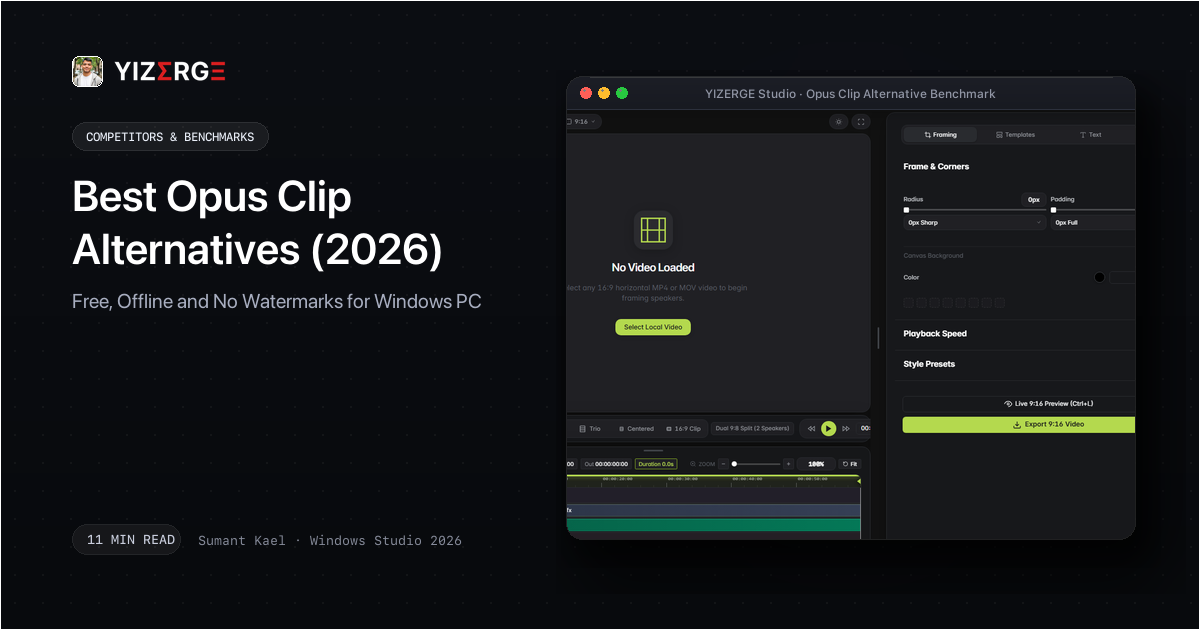
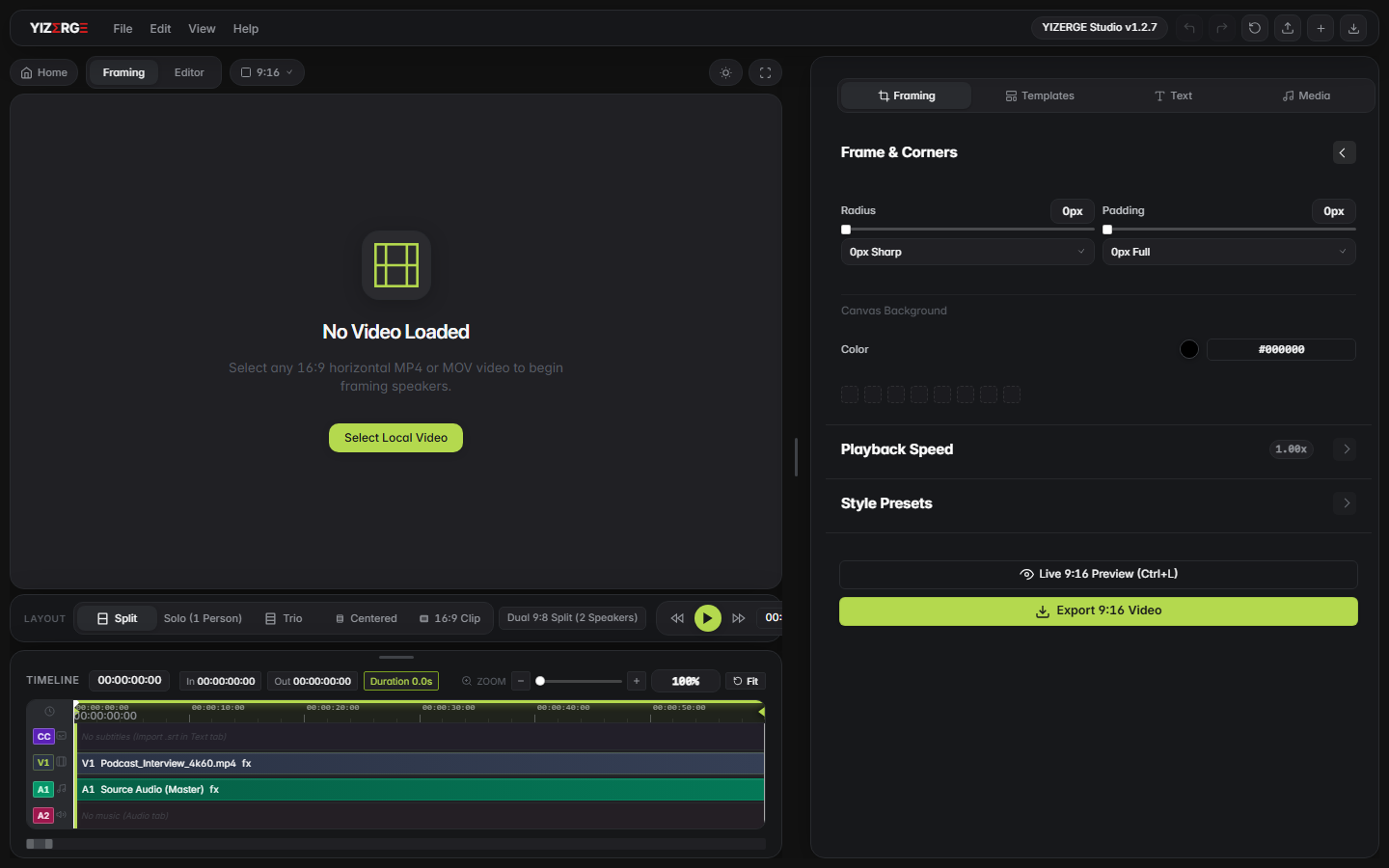
YIZERGE is purpose-engineered for Windows 10 and 11 to solve the exact problems creators face with cloud clippers. It loads multi-gigabyte widescreen video files immediately, provides 1-click aspect ratio auto-framing (Solo speaker, Dual split-screen, and Blurred background), and features a dynamic karaoke subtitle engine that highlights words actively in electric yellow (#FFE600) and signal red.
Because it utilizes DirectX 12 and native GPU hardware encoding (NVIDIA NVENC, AMD AMF, Intel QuickSync), exporting a 60-second vertical short takes just 3 to 5 seconds. Best of all, it offers zero watermarks, instant exports, and complete local privacy during its Windows Private Beta.
2. CapCut Desktop (Versatile Suite, but Growing Paywalls)
CapCut Desktop is widely used for general video editing, but it has increasingly locked popular features (like auto captions and specific effects) behind a recurring Pro paywall ($12.99/mo). Furthermore, its generalist multi-track timeline requires substantial manual setup to position 16:9 videos into 9:16 framing compared to dedicated repurposing studios.
3. Descript (Great for Transcript Editing, Slow for Video)
Descript pioneered text-based video editing, allowing users to cut video by editing transcripts. However, its heavy Electron framework and continuous cloud sync create noticeable lag on long files, and video rendering speeds lag behind dedicated GPU exporters.
4. Klap & GetMunch (Cloud Alternatives with Credit Deductions)
Klap and Munch provide web-based AI clipping similar to Opus Clip. However, they share the exact same pain points: recurring monthly credit limits, cloud wait times, and compression artifacts that reduce video quality on mobile feeds.
How to Repurpose 16:9 into 9:16 Vertical Shorts with Zero Watermarks
Switching from Opus Clip to a native desktop tool like YIZERGE takes under 3 minutes:
- Import Your Raw Video: Drag and drop your horizontal MP4, MOV, or MKV file directly into the studio. Zero upload progress bars.
- Select Auto-Framing Layout: Choose Solo Center for single-person videos, Dual Split for interviews and podcasts, or Blurred Background for cinematic widescreen preserving full context.
- Customize Karaoke Subtitles: Import your transcript or let the dynamic subtitle engine animate words with micro-bounce transitions and TikTok safe-zone alignment.
- Export with GPU Acceleration: Click export. Your graphics card renders a pristine 4K 60fps vertical short in under 5 seconds.
Conclusion: Take Back Control of Your Content Pipeline
Cloud SaaS clippers served their purpose in demonstrating the power of video repurposing, but creators should not have to upload gigabytes of unreleased media or wait in server queues just to convert horizontal video into vertical shorts. By switching to a native Windows workstation like YIZERGE Video Editor, you bypass cloud upload queues, safeguard your client privacy, and unlock instant 4K 60fps GPU exports.
Frequently Asked Questions
YIZERGE Video Editor is a dedicated offline Windows desktop studio for repurposing widescreen video into vertical shorts. Currently in private beta, it processes footage locally on your GPU with zero cloud uploads and zero watermarks.
Desktop apps use direct PCIe bus data transfer and local GPU hardware encoders (NVENC/AMF) instead of uploading massive 4K video files across residential internet connections.
Yes. YIZERGE features a built-in animated karaoke subtitle engine with word-by-word active highlighting, bounce transitions, drop shadows, and TikTok safe-zone alignment.
Become an Early Tester for YIZERGE
We are inviting video creators to test upcoming Windows builds. Experience zero-degradation local GPU rendering, dynamic karaoke subtitles, and sub-frame precision.