- Lightweight vs Heavy Electron: Descript consumes substantial RAM and GPU resources on long podcast sessions. Lightweight native apps operate with minimal system overhead.
- Dedicated Clipping Workflow: While Descript is optimized for text-based editing, dedicated desktop repurposers prioritize fast audio waveform snapping, 1-click 9:16 layout conversion, and rapid GPU exports.
- Sub-Frame Audio Precision: Instead of text-only cuts, native waveform inspection lets editors cut breaths, filler words, and pauses at the millisecond level.
- Instant Local Exporting: Local GPU pipelines render finished 1080p and 4K vertical MP4s in 3-5 seconds without cloud queuing or sync stalls.
Table of Contents
- Why Video Editors Are Seeking Descript Alternatives
- Head-to-Head Comparison: YIZERGE Studio vs Descript
- Why YIZERGE Is the Superior Repurposing Studio for Podcasts
- Fast Podcast Repurposing: From Long-Form to Viral Short in 3 Minutes
- Conclusion: The Right Tool for Modern Podcast Creators
- Frequently Asked Questions
Why Video Editors Are Seeking Descript Alternatives
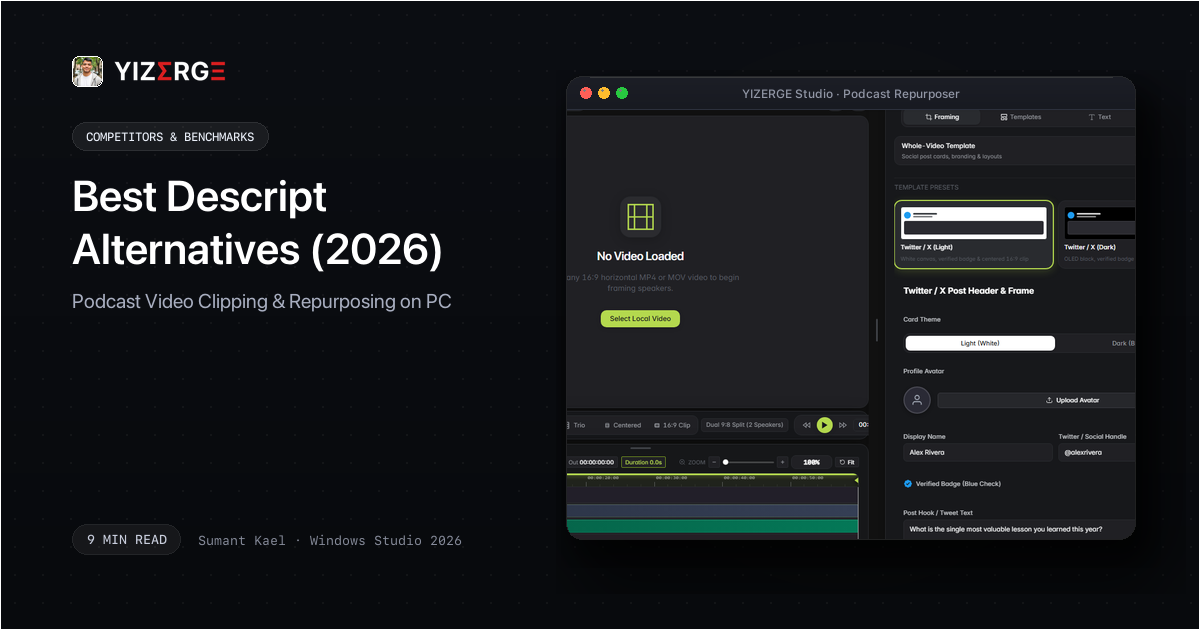
Descript revolutionized podcast editing by treating video like a text document. However, as creators shifted focus from hour-long audio episodes to high-volume short-form video production, major pain points emerged:
- Sluggish System Performance: Because Descript is built on Electron, handling multi-camera 4K podcast recordings frequently results in spinning wheels, high RAM usage, and sluggish playback responsiveness.
- Monthly Transcription Hours Caps: Descript tiers place strict caps on transcription hours (e.g., 10 or 30 hours per month). For video agencies or creators filming multiple episodes weekly, these limits require costly upgrades.
- Imprecise Audio Cuts: While editing by text is convenient, it often cuts mid-breath or chops the natural resonance of vocal endings. Precision short-form editing requires sub-frame waveform visibility.
Head-to-Head Comparison: YIZERGE Studio vs Descript
Here is how a dedicated offline repurposing studio compares against Descript:
| Feature | YIZERGE Studio | Descript (Creator Tier) |
|---|---|---|
| Desktop Engine | Lightweight Native Windows C++/DirectX | Heavy Electron & Chromium Wrapper |
| System Resource Usage | Low RAM (under 400 MB) & Zero GPU idle load | Heavy RAM usage (2 GB to 4 GB+) |
| Footage Ingestion | Instant Local NVMe Read (Zero Cloud Sync) | Heavy Cloud Sync & Upload Buffering |
| Waveform Inspection | Sub-Frame Audio Scrubbing & Snapping | Text-first editing (coarse audio cuts) |
| 16:9 to 9:16 Framing | 1-Click Solo, Split & Blurred Stage | Manual canvas layer manipulation |
| Audio Ducking | Real-Time Dynamic Music Ducking | Basic volume leveling |
| Cloud Dependency | Zero (100% Offline Desktop) | Heavy cloud sync requirement |
| Export Speed | 3-5 seconds GPU NVENC render | Several minutes cloud/local render |
| Current Availability | Windows Private Beta (Testing Phase) | Commercial SaaS ($24 to $40/month) |
By focusing specifically on short-form extraction, native desktop software eliminates the performance drag inherent in all-in-one transcription suites.
Why YIZERGE Is the Superior Repurposing Studio for Podcasts
For podcasters looking to extract viral clips efficiently, YIZERGE provides purpose-built tools:
- Dual Split-Screen Mode: Automatically stack the host and guest vertically in crisp 9:16 framing without manual cropping or dual timeline tracks.
- Real-Time Audio Ducking: Add background lo-fi or energetic beats; YIZERGE automatically ducks the music volume whenever the speaker speaks.
- Sub-Frame Trimming Snapping: Trim dead air, coughing, and awkward pauses with sub-frame accuracy using the integrated audio waveform viewer.
- Dynamic Karaoke Captions: Highlight spoken words actively with energetic animations that capture mobile viewer attention in the first 2 seconds.
Fast Podcast Repurposing: From Long-Form to Viral Short in 3 Minutes
Here is the streamlined workflow used by leading video editors:
- Load the Episode: Open your 1-hour podcast video directly from local storage.
- Set In/Out Points: Scrub the waveform to pinpoint the 30-to-60 second golden hook.
- Choose Split Layout: Select Dual Speaker template for simultaneous host and guest visibility.
- Enable Dynamic Subtitles: Add vibrant subtitles with TikTok safe-zone alignment.
- Render in 4K: Export the clip in 3 to 5 seconds via local GPU hardware acceleration.
Conclusion: The Right Tool for Modern Podcast Creators
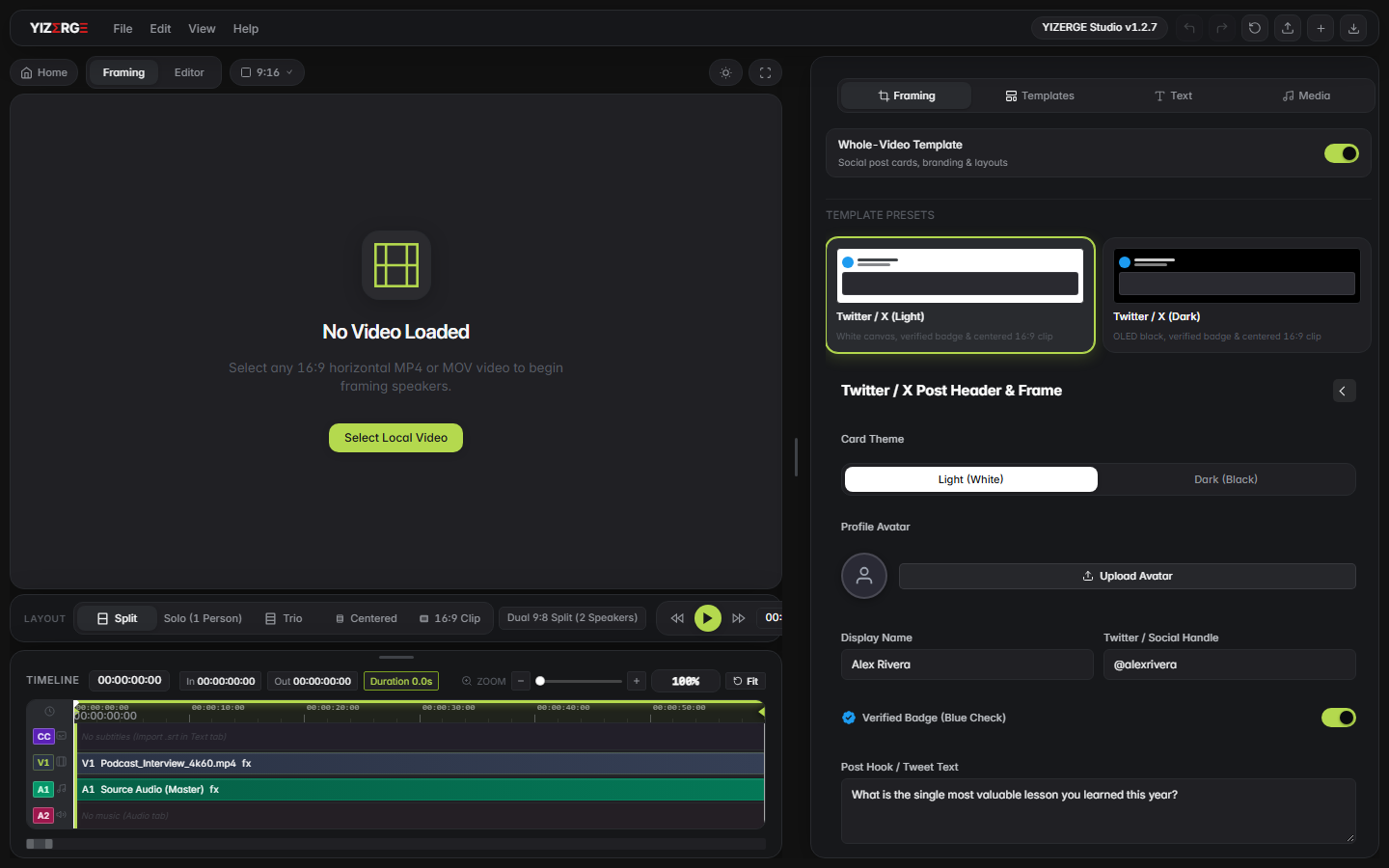
Descript remains a useful tool for text-based audio podcasts, but for fast, high-quality video clipping, its heavy interface and cloud sync requirements make it less practical. With YIZERGE Studio, creators get sub-frame waveform precision, instant GPU exports, and complete offline control.
Frequently Asked Questions
YIZERGE Studio is an offline Windows desktop app specifically engineered for podcasters and creators who want to clip long-form episodes into 9:16 vertical reels with sub-frame waveform precision and zero cloud uploads.
YIZERGE provides microsecond-accurate audio seeking, sub-frame cut snapping, and real-time audio ducking that automatically lowers background music whenever the speaker speaks.
Yes. YIZERGE operates completely offline. You can edit, trim, generate karaoke subtitles, and export 4K videos on a flight or anywhere without Wi-Fi.
Become an Early Tester for YIZERGE
We are inviting video creators to test upcoming Windows builds. Experience zero-degradation local GPU rendering, dynamic karaoke subtitles, and sub-frame precision.